
Things I want to do
Add a subdomain in ConoHa Wing.
(I don’t do this very often, and I always get confused, so I’m making a note of it.)
procedure
Log in to the ConoHa Wing management screen.
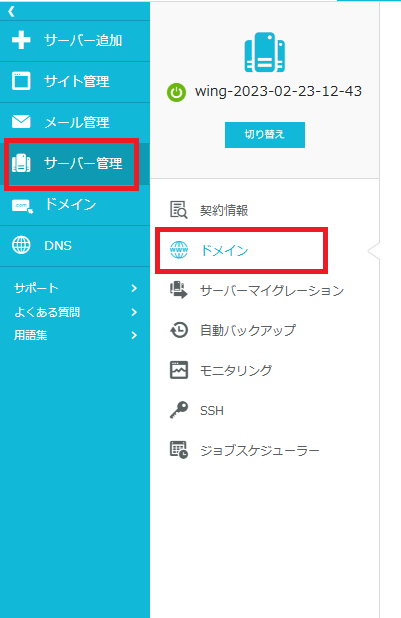
Select ‘Server Management,’ then select ‘Domain.’
Click the ‘+Domain’ button displayed in the upper right corner.

Select the ‘Add subdomain’ tab.

Enter the subdomain and select it from the domains you have registered.
Select ‘Use free custom SSL as needed.’
Once you have finished configuring the settings, click ‘Save’.
Result
I was able to add a subdomain to ConoHa Wing.
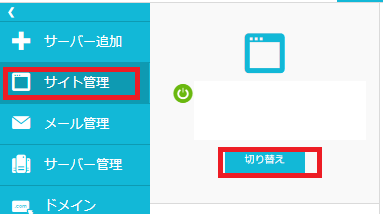
The added subdomain can be selected and configured from Site Management → Switch in the upper left corner.

コメント