
Things I want to do
We will use Phaser3 to display in full screen.
Instead of displaying a large portion of the browser window, the browser’s GUI is hidden, similar to when you view a video in full screen mode, and you exit full screen mode by pressing ESC.
implementation
Full screen
From the children’s class in Scene, you simply call the following:
this.scale.startFullscreen();Fullscreen unlock
From the children’s class in Scene, you simply call the following:
this.scale.stopFullscreen();Regarding scene transitions
I was worried that the Full Screen state might not be carried over when switching scenes, since startFullscreen/stopFullscreen are located within a scene, but that’s not the case; the Full Screen state is retained even when switching scenes.
Solutions for when full screen doesn’t work properly
API can only be initiated by a user gesture.
The following error may appear, preventing the game from going full screen.
Failed to execute 'requestFullscreen' on 'Element': API can only be initiated by a user gesture.This is because `requestFullscreen` is being called without any user interaction. Please ensure that it is called only when a button is clicked or similar. (It’s not possible to automatically switch to fullscreen mode after the page loads.)
It goes full screen, but the game screen doesn’t fit properly.
Sometimes, when you switch to full-screen mode, the game screen may not fit properly.
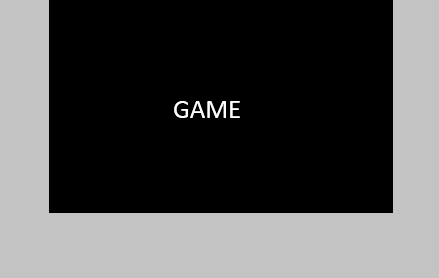
This is because Phaser3 is not maximizing the canvas it is creating.
Please review the container and its parent classes specified in main.js. (If necessary, rewrite the classes/styles for fullscreen mode.) In my case, the Height style of the container’s parent div was causing the problem.
Result
I was able to achieve full-screen display with Phaser3.
Websites I used as references


コメント