
Things I want to do
Sometimes, when trying to download a model using huggingface, a 401 error may occur, preventing the download from completing.
This article will explain what to do when you encounter a 401/403 error message.
countermeasure
401 Error
If you see the 401 error below, please check if you are logged into huggingface.
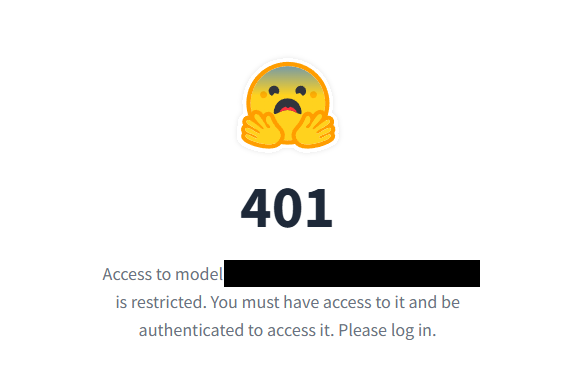
If you already have an account, log in using the ‘Log In’ button in the upper right corner.

If you don’t have an account, click Sign Up to create one.

Basic users can use the service for free.

I will try downloading after logging in.
If you see a 403 error, please continue to check the 403 errors below.
403 Error
If you see a 403 error, please check if you have agreed to the terms of service.
Click the Model Card tab at the top of the page where the model list is displayed.

Please review the terms of use at the top of the page (you will likely be asked to enter your name and email address) and click ‘agree’.
I will try downloading again.
Result
I was able to download it successfully.

コメント