
Things I want to do
I’ll find out who liked (or reposted) my post on X.
No payment is required.
procedure
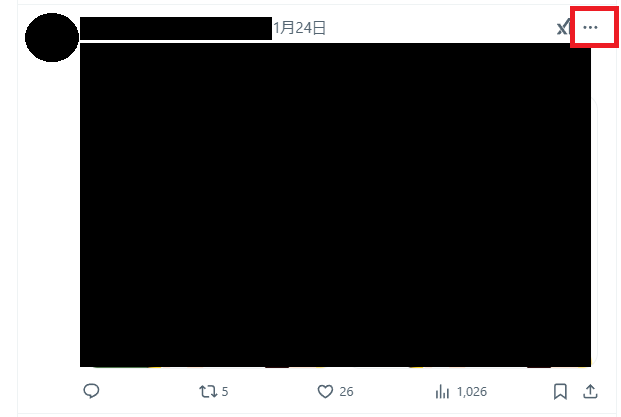
To find out who liked your post, click the three dots (…) in the upper right corner of the post.
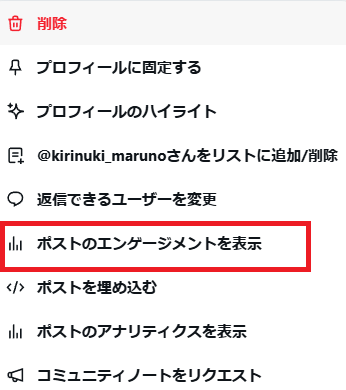
The following menu will appear, so click ‘View post engagement’.
Click the ‘Like’ tab.
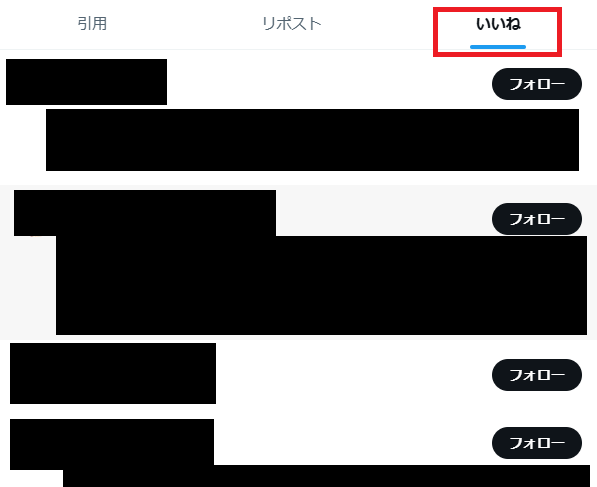
A list of people who liked your post will be displayed.
If you display the Reposts tab, you will see a list of people who have reposted your content.
Incidentally, while it’s possible to display engagement on other users’ posts using a similar method, there’s no way to see who liked them. (You can see who reposted them, though.)

コメント