
Things I want to do
Add the model to the locally running Stable Diffusion web UI.
環境
stable-diffusion-webui-amdgpu
Download the model
download
You can download it from the following page.
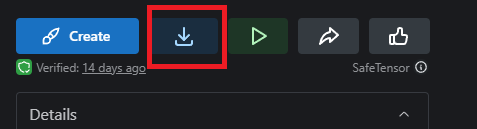
You can download the model by clicking the button on the right side of each model’s page.
(However, some models require login.)

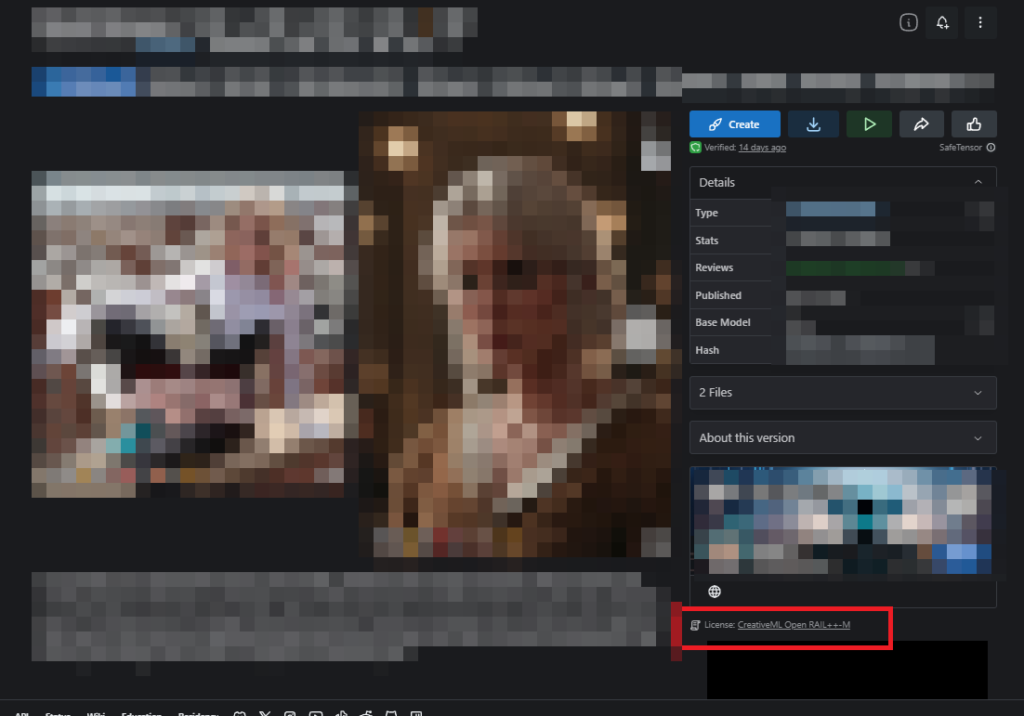
license
The license for each model is listed in the red box below the download button, so please check it before using. (Many models appeared to have no restrictions on use.)
Recommended models
Nostalgia-clear
This is a model for generating anime-style images.

Real Dream
This is a model for generating images that look like real life.

Model Installation
Copy the downloaded file to the following folder.
インストールフォルダ\models\Stable-diffusionOnce the copying is complete, click the button at the bottom of the GUI.

Once the process is complete, you will be able to select the downloaded model from the dropdown menu to the left of the button.
When the transition doesn’t go well
The switchover is not finished.
If the switch doesn’t work properly (or is slow), clicking the refresh button again may resolve the issue.
Failed to create model quickly; will retry using slow method.
If you encounter the following error during switching or startup, and the system is slow, this can sometimes be resolved by modifying the code.
I will modify the script.
Proceed at your own risk.
Failed to create model quickly; will retry using slow method.Open the following file.
インストールフォルダ¥modules¥sd_disable_initialization.pyFind the following code.
        def CLIPTextModel_from_pretrained(pretrained_model_name_or_path, *model_args, **kwargs):
            res = self.CLIPTextModel_from_pretrained(None, *model_args, config=pretrained_model_name_or_path, state_dict={}, **kwargs)
            res.name_or_path = pretrained_model_name_or_path
            return res
Replace the above code with the following: (Replace None with pretrained_model_name_or_path.)
        def CLIPTextModel_from_pretrained(pretrained_model_name_or_path, *model_args, **kwargs):
            res = self.CLIPTextModel_from_pretrained(pretrained_model_name_or_path, *model_args, config=pretrained_model_name_or_path, state_dict={}, **kwargs)
            res.name_or_path = pretrained_model_name_or_path
            return res
コメント