
Things I want to do
I’ll try out AivisSpeech, a free text-to-speech app for Windows (it seems there’s also a Mac version).
Download and install
Go to the following page and click the button shown in the upper right corner.


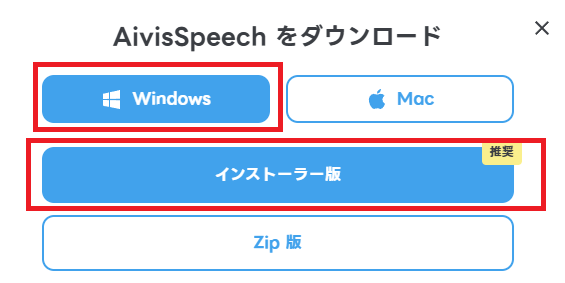
For Windows users, select Windows → Installer version and download it.
When I ran the installer from the Downloads folder, the installation stopped midway.
(I may have accidentally clicked cancel, but) after copying it to a different folder and running it again, the installation worked.
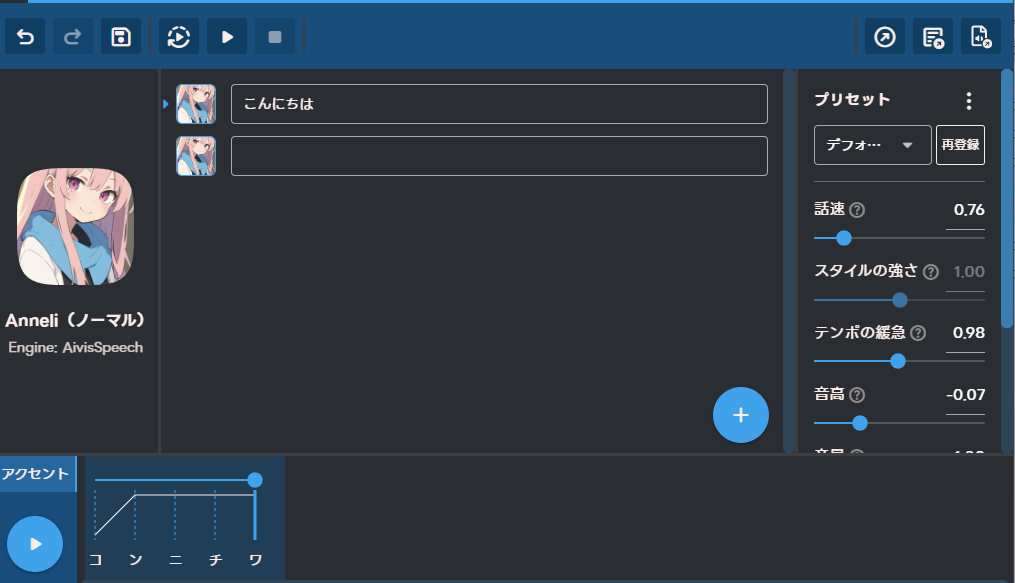
Then, simply enter your desired dialogue into the edit box and click the play button to have it read aloud.
You can save the audio you created using the save button in the upper right corner.
Regarding English
It does read aloud, but it seems to convert the English to Japanese pronunciation before reading it aloud, so both the pronunciation and the English-to-Japanese pronunciation are not very good. For example, where it should pronounce ‘a’ as ‘a,’ it sometimes pronounces it as ‘ee.’
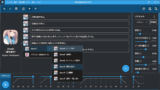
As shown in the screenshot above, it seems that noise is introduced when there is an empty edit box.
Addition of synthesized voice
From the settings, select ‘Manage speech synthesis models’.
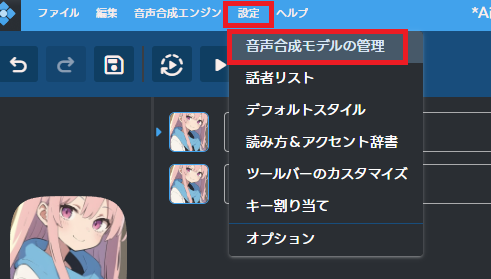
Clicking ‘Search for speech synthesis models’ will take you to the model download page.

After the download is complete, select the downloaded file from ‘Install/Update’ and proceed with the installation.
You can change the text-to-speech model by clicking the icon in the red box below.

Regarding audio licensing
The download page defines the license for each model.
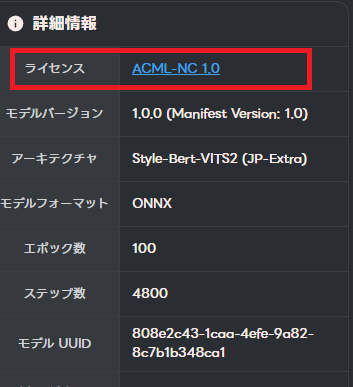
It’s usually one of the following two possibilities.
– ACML 1.0
– ACML-NC 1.0
ACML is available for commercial use, while ACML-NC is not.
Please check the following website for detailed usage conditions.
Incidentally, Anneli, which is included from the start, is an ACML file that is available for commercial use.
Websites I used as references

コメント