
Things I want to do
In the article below, I tried building a web page into a Windows executable file using Electron.

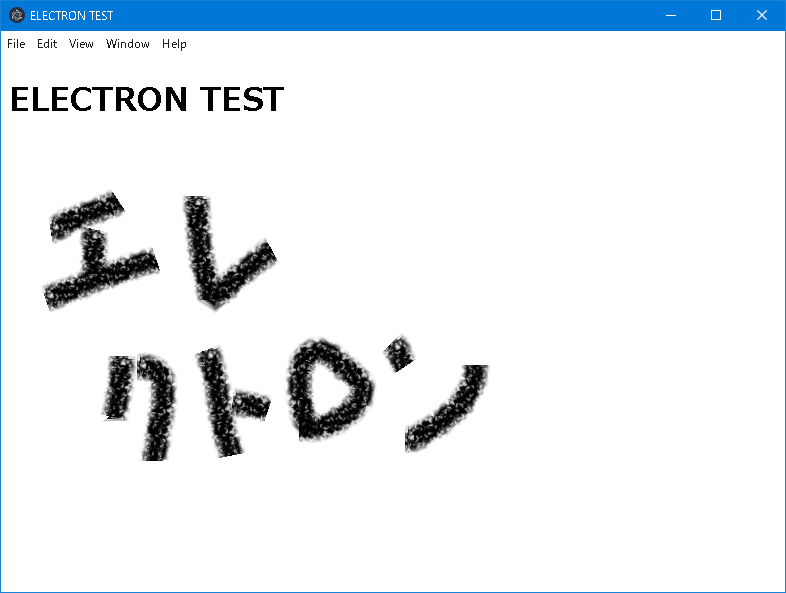
However, the menu will appear as shown below (the File, Edit… section).
I’d like to remove it as it’s basically unnecessary (and there’s also a DeveloperTools display that’s better not to have when releasing a product).
implementation
The main.js file (Electron entry point) on the aforementioned page is as follows:
const { app, BrowserWindow } = require('electron/main')

const createWindow = () => {
  const win = new BrowserWindow({
    width: 800,
    height: 600
  })

  win.loadFile('file://' + __dirname + '/index.html');
}

app.whenReady().then(() => {
  createWindow()

  app.on('activate', () => {
    if (BrowserWindow.getAllWindows().length === 0) {
      createWindow()
    }
  })
})

app.on('window-all-closed', () => {
  if (process.platform !== 'darwin') {
    app.quit()
  }
})
Modify main.js as follows:
I’ve added comments to the parts that have been corrected.
const { app, BrowserWindow, Menu } = require('electron/main')//////Menuを追加

const createWindow = () => {
  const win = new BrowserWindow({
    width: 800,
    height: 600
  })

  win.loadURL('file://' + __dirname + '/index.html');
}
Menu.setApplicationMenu(null);/////追加 MENUにnullを設定

app.whenReady().then(() => {
  createWindow()

  app.on('activate', () => {
    if (BrowserWindow.getAllWindows().length === 0) {
      createWindow()
    }
  })
})

app.on('window-all-closed', () => {
  if (process.platform !== 'darwin') {
    app.quit()
  }
})Result
The menu has disappeared.
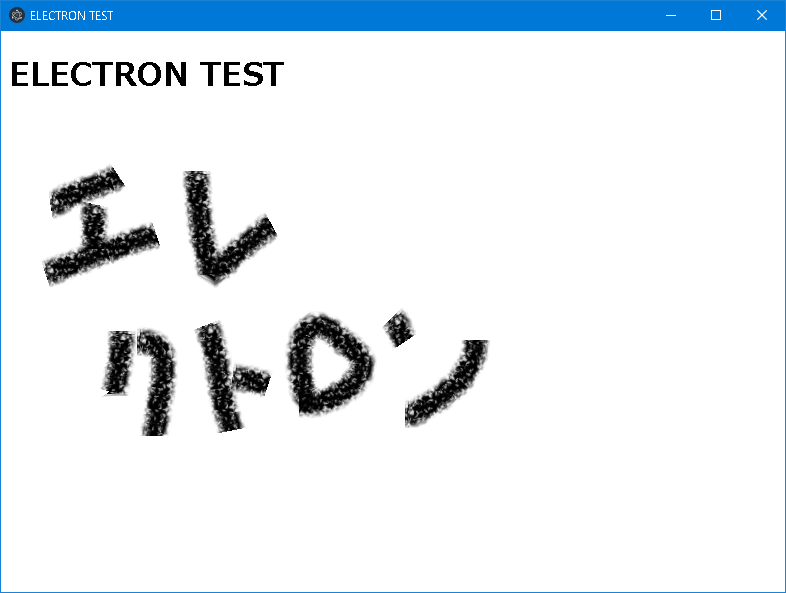
As a side effect, keyboard shortcuts that could be accessed from the Menu, such as Developer Tools and full-screen mode, will also become unusable.
Websites I used as references

Menu | Electron
ネイティブアプリケーションのメニューとコンテキストメニューを作成します。
electronjs.org
コメント