
Things I want to do
Move the object by dragging it in Phaser3.
implementation
Prepare
Add an object to the scene that can be moved by dragging.
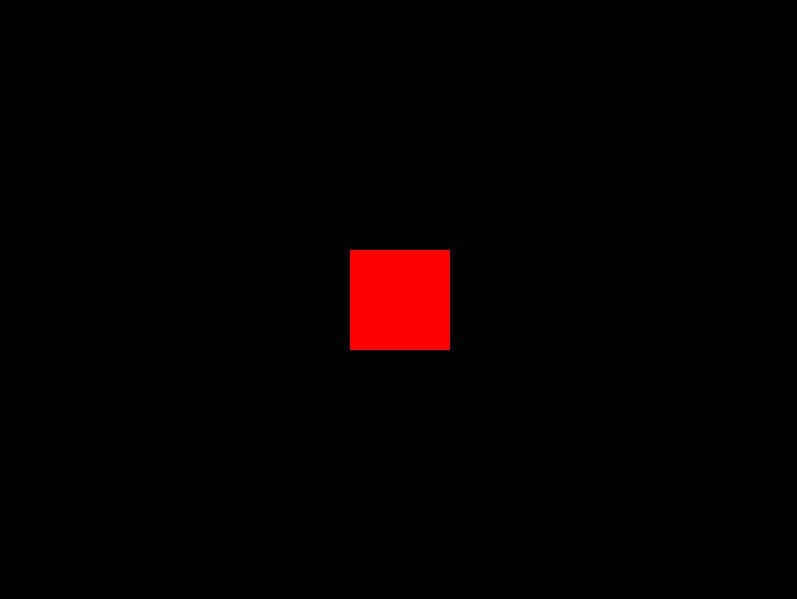
Here, we’ve added a Rectangle.
    create ()
    {
        const rect = this.add.rectangle(400, 300, 100, 100, 0xff0000);
    }
It will be displayed as follows. (The entire scene is 800×600, so it is displayed in the center of the scene.)
Drag implementation
First, we call rect.setInteractive({ draggable: true }) to allow dragging operations on the created Rect.
    create ()
    {
        const rect = this.add.rectangle(400, 300, 100, 100, 0xff0000);
        rect.setInteractive({ draggable: true }); //追加
    }
Next, you specify the action to be taken when dragging using rect.on( drag , …).
…The part specifies a function. In this case, to move the rect to the drag destination, we used (pointer, pos_x, pos_y) => rect.setPosition(pos_x, pos_y).
    create ()
    {
        const rect = this.add.rectangle(400, 300, 100, 100, 0xff0000);
        rect.setInteractive({ draggable: true });
        rect.on('drag', (pointer, pos_x, pos_y) => rect.setPosition(pos_x, pos_y)); //追加
}Result
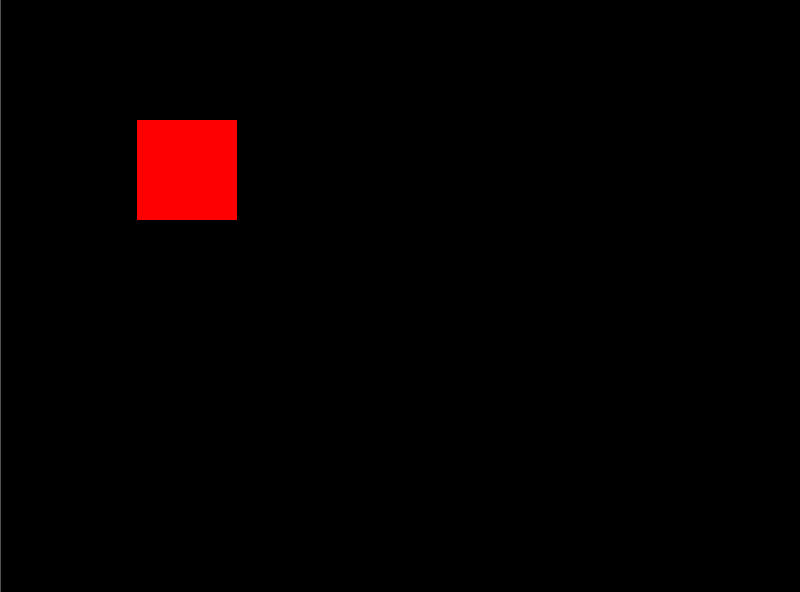
As shown below (it’s hard to see because it’s a still image), you can now move objects by dragging them.
Websites I used as references

Phaser 3 Examples
labs.phaser.io

コメント