
Things I want to do
This compresses the .blend file, which is Blender’s basic format, to reduce its file size when saving.
Environment
Blender:3.4.1
Compression during saving
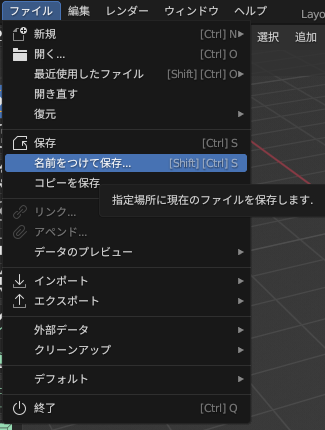
Just like with a normal save, select ‘Save As’ from the ‘File’ menu.
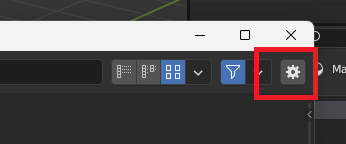
Click the gear icon in the upper right corner of the save dialog box that appears.
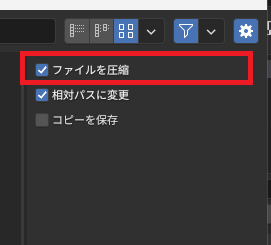
The following settings will be displayed, so check ‘Compress files’ and click ‘Save As’ to save.
Result
Test data
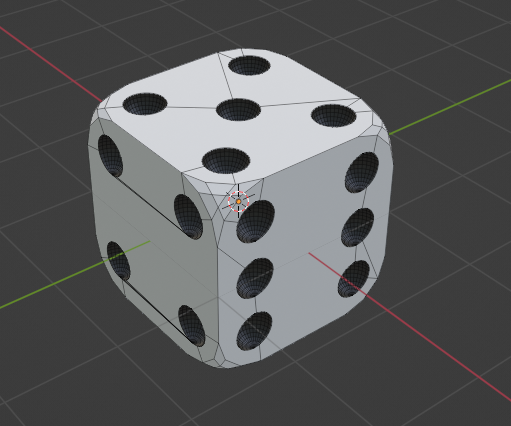
We will use the following dice data to check the file size.
No textures are used.
Size comparison
| File size | |
| Compress files off (default) | 1,582kByte |
| Compress files on | 282kByte |
Checking the ‘Compress files’ option reduced the file size to about one-fifth of its original size.
However, compressing the files made the loading noticeably slower.
Please consider the settings based on your machine specifications and the size of your data.

コメント