
Things I want to do
Adding Scripts (such as AdSense) to Widgets (Custom HTML, Ads, etc.) in WordPress
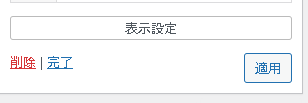
The ‘Apply’ button at the top remains in a loading (spinning) state and does not appear. Alternatively, after clicking the ‘Apply’ button, the loading (spinning) state appears and the process does not complete.
Site security changes (ConoHa)
Change settings
Follow these steps to change your site security settings.
This will display the ConoHa control panel page.
Navigate to ‘Site Administration’ → ‘Site Security’ → ‘WAF’ tab.
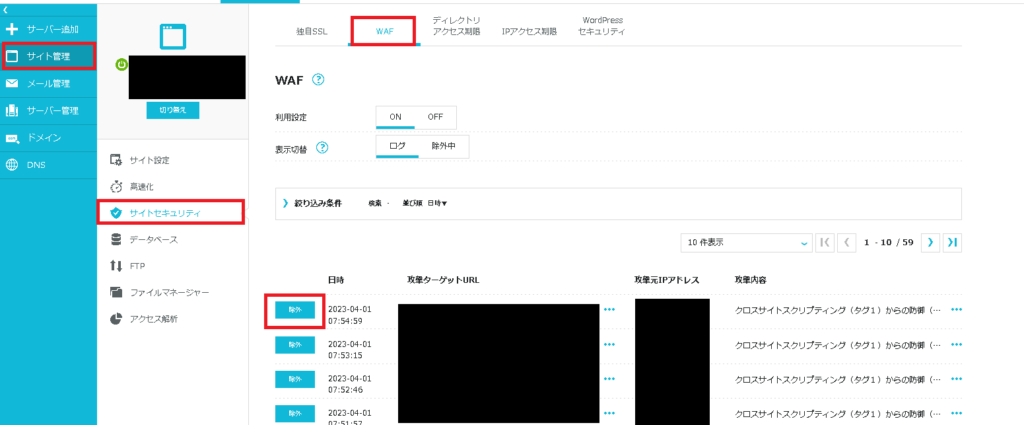
From the displayed list of blocked attacks, look for the log recorded when you tried to add the script to the widget.
The attack was a ‘cross-site scripting attack.’ Please verify the time and IP address.
Once you have identified the log you want to exclude, click the ‘Exclude’ button.
With ConoHa, you need to configure settings for each domain (including subdomains).
Result
You can now add scripts (such as AdSense) to widgets (such as custom HTML and ads).

コメント