
Things I want to do
If you’re experiencing unstable internet connectivity when using tethering from an Android device (child device) to connect to the internet via an Android device (parent device), let’s look at some settings you should check.
A phenomenon that actually occurred
(For some reason, this seems to happen more often at the end of the month) When trying to connect to the internet from a child device, errors occur such as being unable to connect to DNS, resulting in an unstable network connection.
Environment
Parent device
Yes: docomo
Android: 10
Child terminal
sim: None
Android: 13
Settings to check
Change preferred network
procedure
Open the ‘Settings’ on the parent device.

Open ‘Network and Internet’.
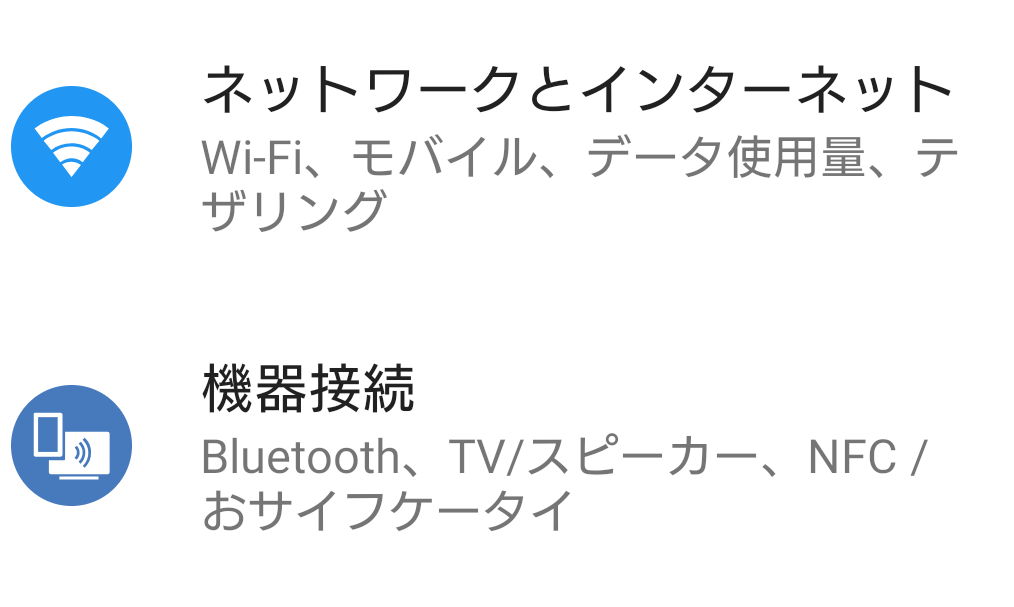
Open ‘Mobile Network (NTT DOCOMO)’.

Open ‘Advanced Settings’.

Open ‘Preferred network type’.

Select ‘3G/GSM (Automatic)’.
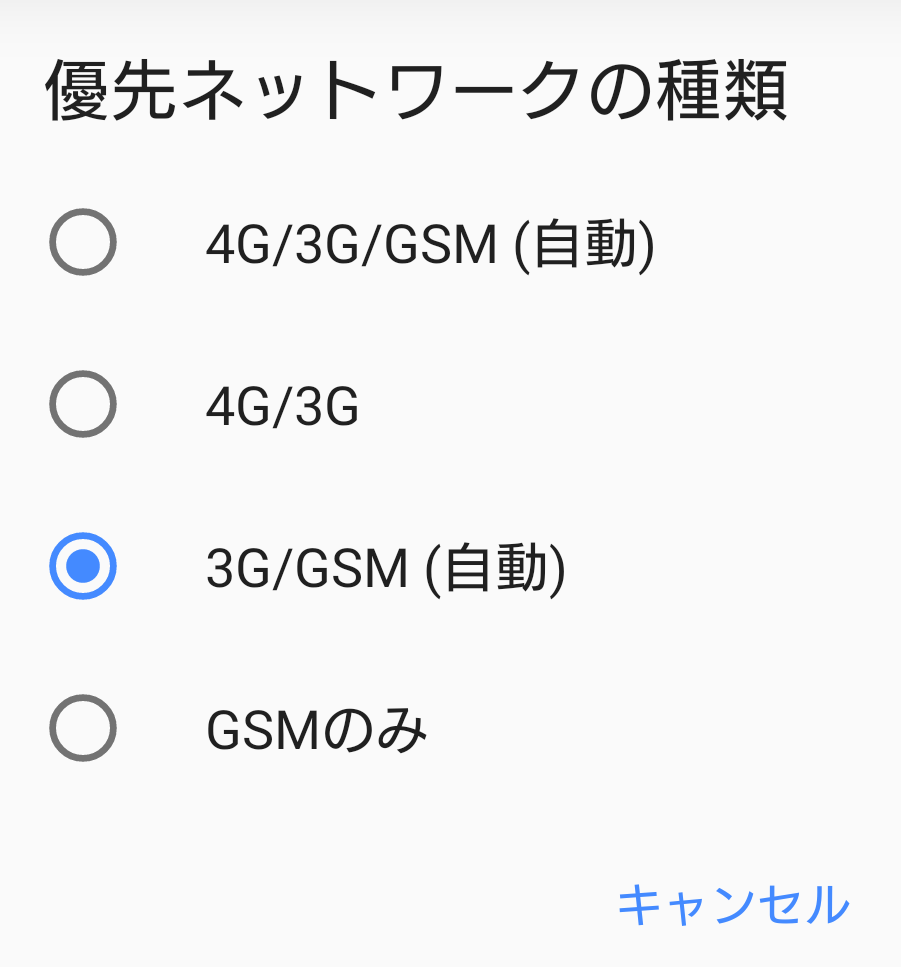
(Newer devices may also have 5G settings, so even setting it to ‘4G/3G/GSM (Automatic)’ might improve performance.)
Limitation
This setting will slow down your network connection.
Result
The tethering connection is much more stable compared to before the settings were changed.
others
The above settings should improve the situation, but there are limitations, so if you encounter problems with the changes, you might want to try the following. (Personally, I feel that this only provides a temporary improvement and doesn’t offer a fundamental solution.)
Parent device
– Turn tethering off → then on
– Turn mobile data off → then on
– Restart your device
Child terminal
– Turn Wi-Fi off → then on

コメント