
Things I want to do
I’ll apply a gradient to the text using GIMP.
(This method is different from those described on other websites. I prefer this method because it’s easier to maintain.)
procedure
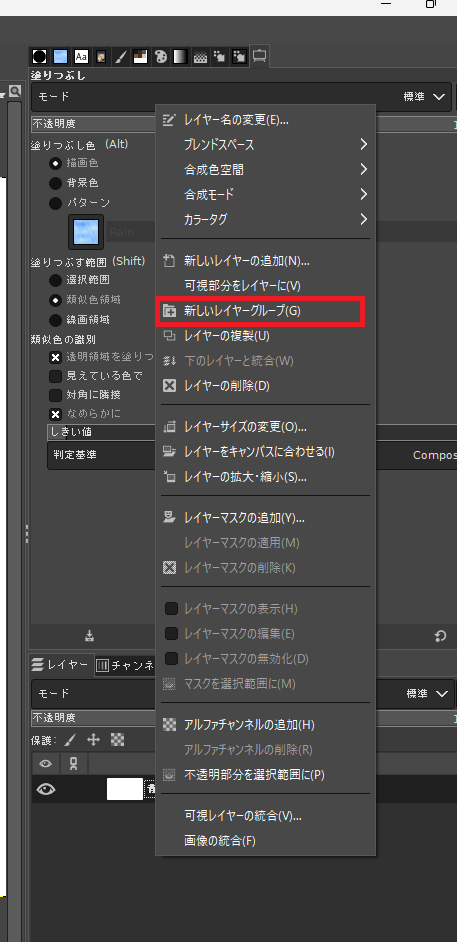
Right-click in the Layers view and select ‘New Layer Group’.
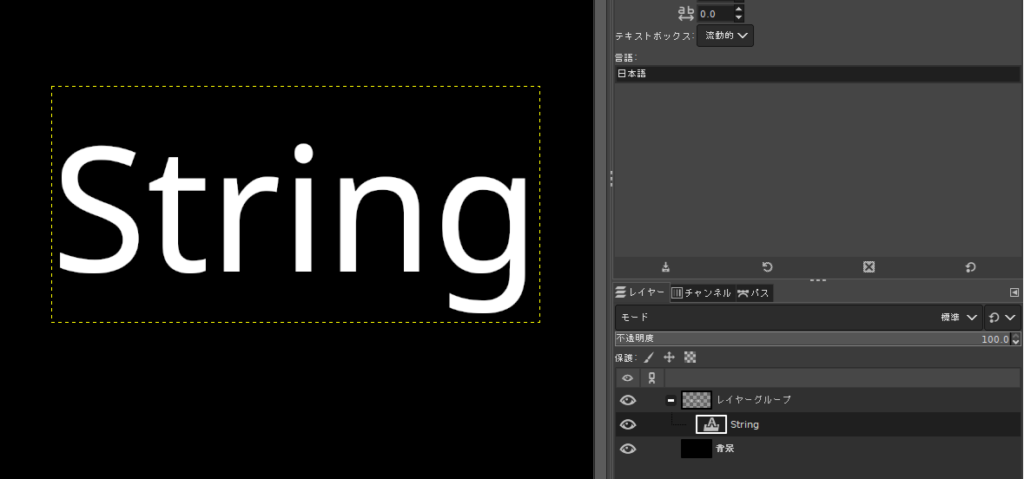
With the created layer group selectedWhiteI will write letters.
(I changed the background to black for clarity.)
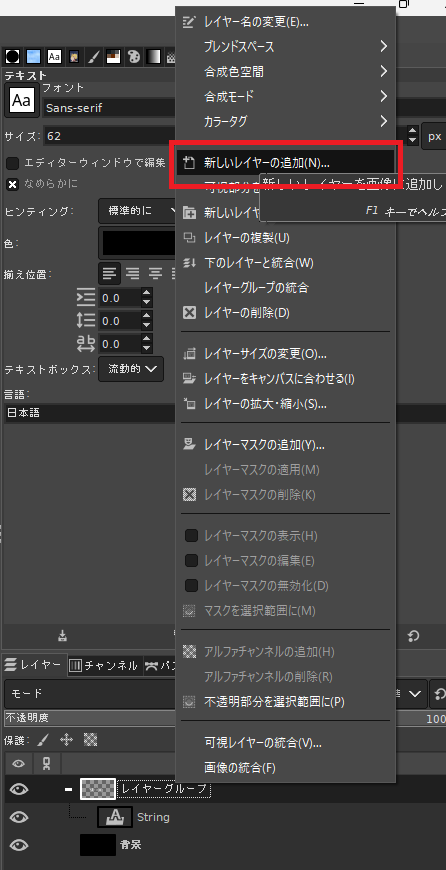
Select the layer group and then select ‘Add New Layer’ to create a new layer.
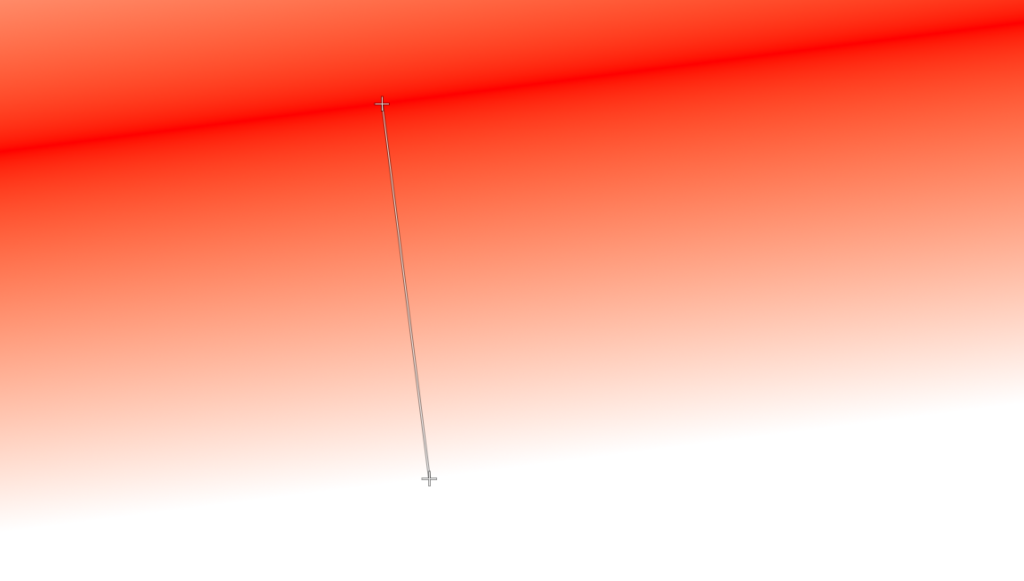
Fill the created layer with a gradient. (The method for filling with a gradient is summarized at the bottom of the page.) Here’s what I did:
Select the layer that has been filled with a gradient and change the mode to ‘Darken’.
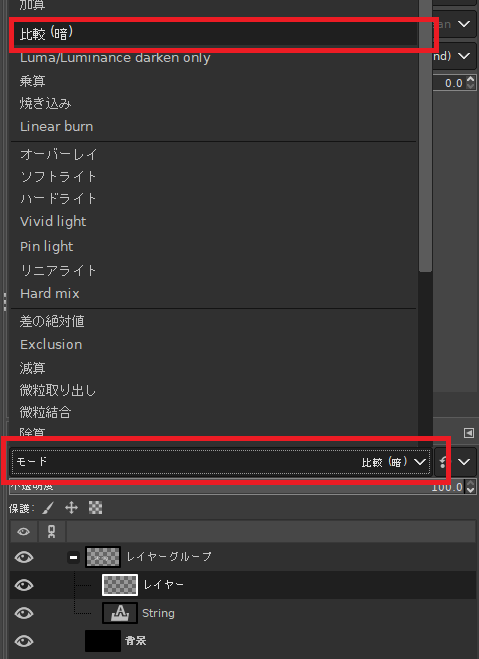
Result
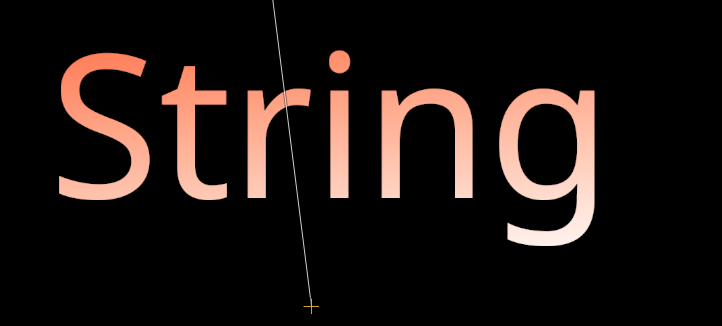
We were able to add a gradient to the text as shown below.
How to create a gradient
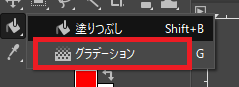
Press and hold the fill tool and select gradient.
Press Ctrl+G to open the gradient window and select ‘Foreground to Background (RGB)’.
Select the layer you want to paint with a gradient, and drag from the point where you want the gradient to start to the point where you want it to end.
The entire layer will be filled with a gradient from the drawing color to the background color.

コメント