
Things I want to do
If you draw a circle in Inkscape and then drag the handle on the right side…
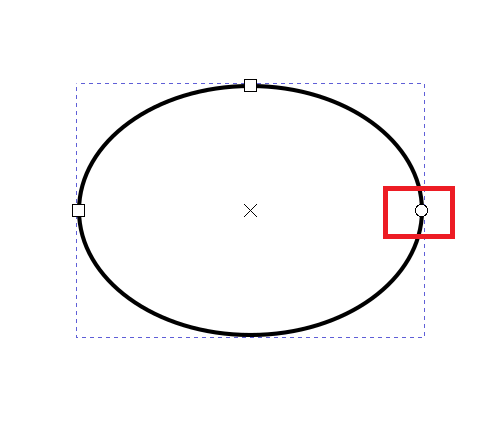
As shown below, a circle (ellipse) becomes an arc (sector).
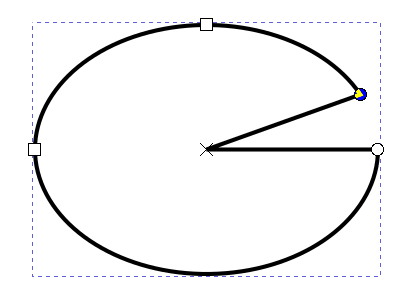
Annoyingly, even if you drag it again to try and put it back, the horizontal line remains.
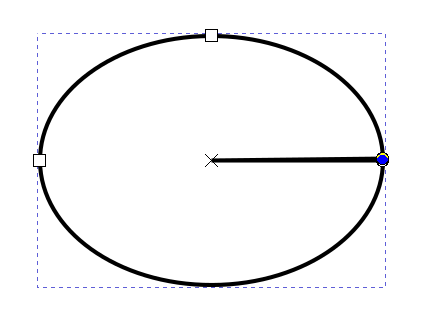
To make matters worse, even if you delete a circle (arc) and draw a new one, the same arc as before is drawn.
Therefore, it is necessary to convert the object drawn with an arc back into a circle.
Make it a perfect circle
With the Circle Tool selected, select the arc you want to convert back into a circle.
The following GUI will appear at the top of the screen, so click the red circle icon on the far right (to change the shape from an arc or sector to a perfect circle).

Result
We were able to transform the arc (sector) back into a seamless ellipse.
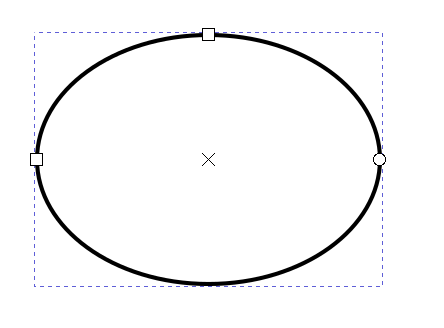
It’s actually quite simple once you figure it out, but I spent a considerable amount of time struggling with it, so I’m leaving this here.

コメント