
Things I want to do
This explains how to fix the issue where squares appear instead of Japanese characters when trying to display them in the GUI of Unity.

It will be displayed as shown above.
countermeasure
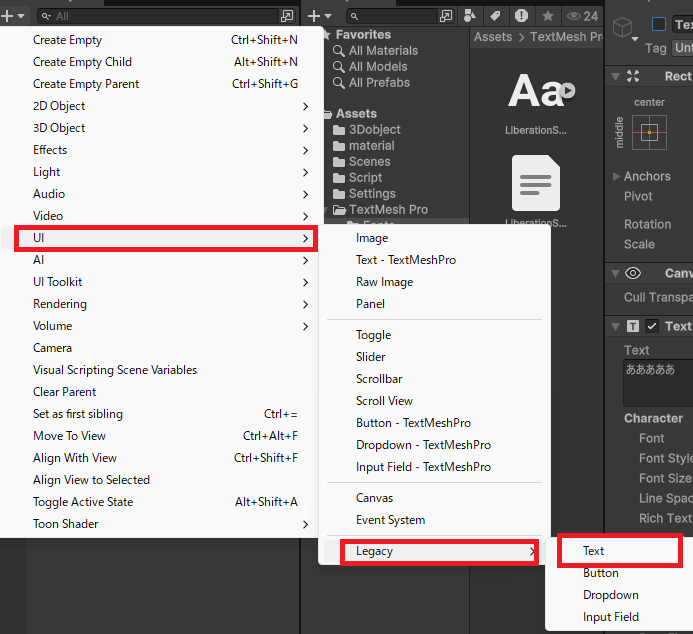
Use Legacy instead of TMP.
Unity provides two types of text UIs: TMP (TextMeshPro) and Legacy.
The problem described above occurs with TMP, so using Legacy instead will allow Japanese to be displayed correctly.
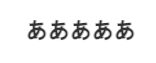
TMP can display gradients and other effects that are not possible with Legacy, but for most GUIs, Legacy is sufficient, so if you don’t need TMP’s features, this workaround is enough.
(However, the Japanese font that comes pre-installed is quite poor. It seems to be a font called Microsoft Yahei.)
Strange example:
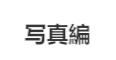
In version 2021.3.44f1, the initial default is Arial, but this can be changed.
Therefore, this workaround proved to be quite effective.
Font settings (TMP)
If you search for ‘Unity Japanese character encoding issues,’ this method will come up.
The default font in TMP doesn’t seem to be able to display Japanese characters, so we’ll create/set a font that can display them.
Notice
Many fonts, including those featured in the article below, use the SIL OFL license. They are free to use, but attribution is required.
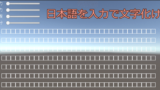
A brief explanation
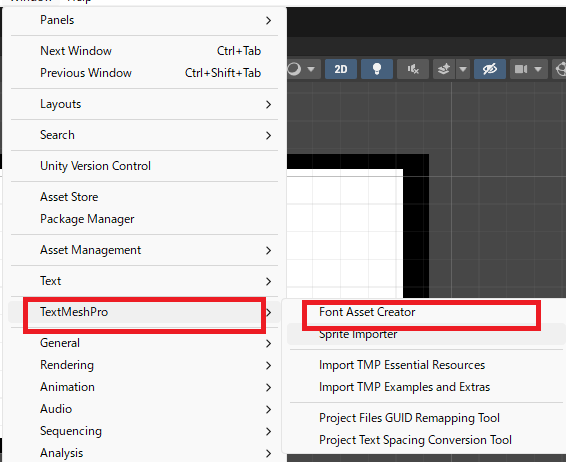
Window (Menu) → TextMeshPro → Font Asset Creator
Set the previously imported font (ttf, otf) within the red frame.
The area within the orange frame is set as follows:
Within the yellow framehttps://gist.github.com/kgsi/ed2f1c5696a2211c1fd1e1e198c96ee4Paste the entire contents of japanese_full-txt.
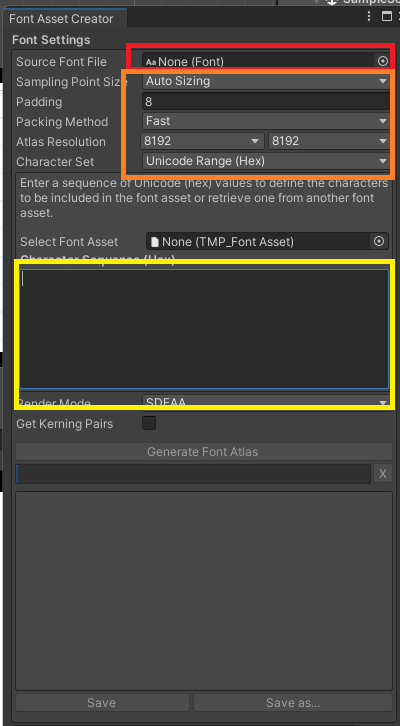
Click GeteneteFontAtlas (this takes quite a while, maybe 10 minutes?).
Click Save to save it in the Assets folder.
TextMeshPro now allows you to select fonts from its FontAssets, enabling the display of Japanese characters.
Can the font assets I create be reused in other projects?
I’ve looked into various options and tried different things, but I haven’t found a solution.
(It seems the ID is included in the asset file)
結果
I’ve shown two ways to display Japanese text in Unity.
By using Legacy, Japanese characters can now be displayed.
Good points:
easy
Cons:
The font is strange, so it’s highly likely that a different font will be used.
Advanced display is not available.
TextMeshPro (TMP) allowed us to display Japanese text by creating font assets.
Good points:
Advanced display capabilities
Cons:
The procedure is complex.
The file size is large.

コメント