
Things I want to do
Unity has a preview of toon rendering (Celtic rendering) called Unity Toon Shader (UTS), so I’ll try it out.
Toon rendering, Celtic rendering, anime-style rendering, Toon Rendering, Celtic rendering
Environment
Unity Toon Shader:0.10.2-preview
Using Unity Toon Shader
install
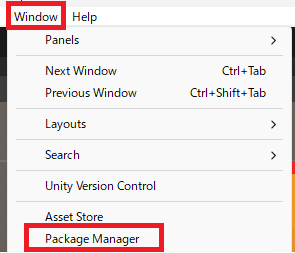
Launch the Package Manager from the Unity menu: Window → Package Manager.
From the ‘+’ in the upper left corner of the Package Manager, select ‘Add package from git URL…’.
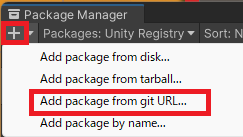
Enter ‘com.unity.toonshader’ into the edit box that appears and click Add.

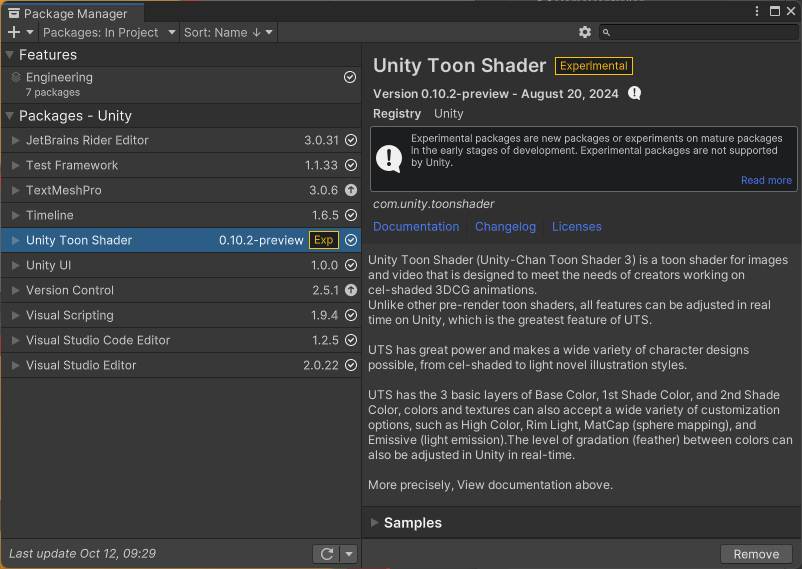
After waiting a while, the following will be displayed, and the installation will be complete.
Material Creation
Shader changes
Create a new material and select it.
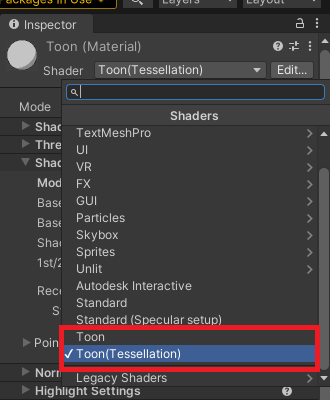
Select either ‘Toon’ or ‘Toon (Tessellation)’ for the Shader in the displayed inspector view.
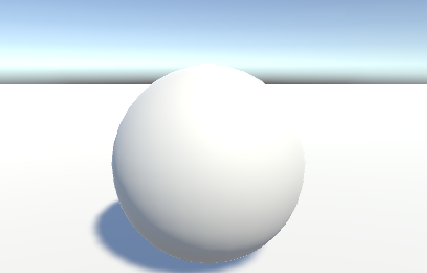
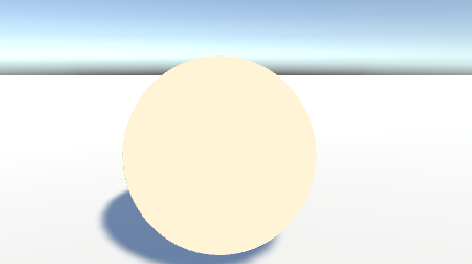
The 3D object has become a single color without any shadows, as shown below.
Before change:
After change:
Shadow settings
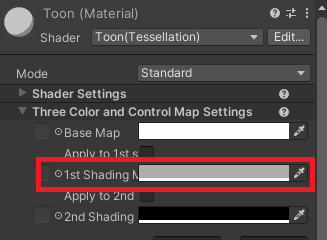
Next, in the inspector view, set the 1st Shading in Three Color and Control Map Settings to gray as follows.
The previously single-colored sphere now has a shadow, making it two-colored.
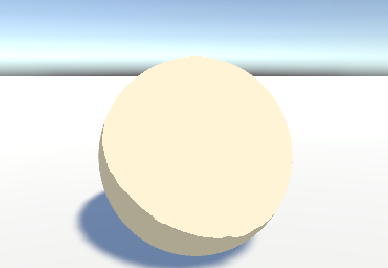
Change the Base Color Step in the Shading Step and Feature Settings of the inspector view.
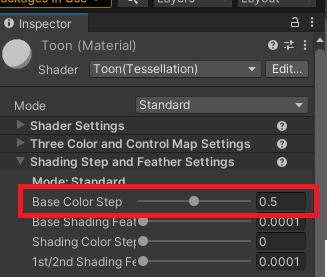
Increasing the value will increase the area that is shaded.
Base Color Step:0.4
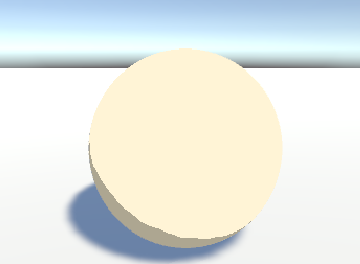
Base Color Step:0.5(default)
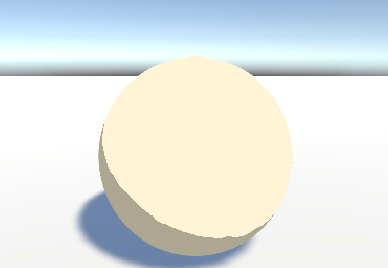
Base Color Step:0.6
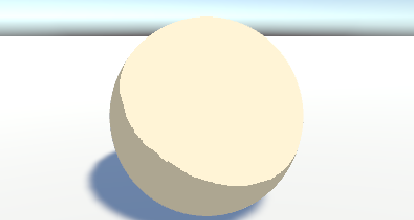
Displaying Boundaries
The boundary lines will be displayed.
Change the Outline Width in the Outline Settings of the Inspector view. (The default is 0.)
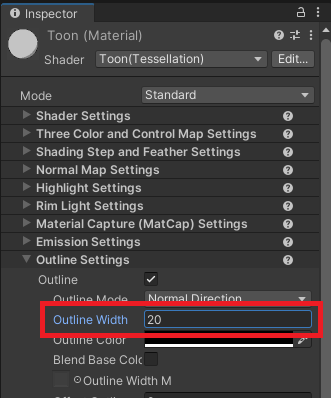
A border has been drawn around the sphere. Increasing the value will make the border thicker.
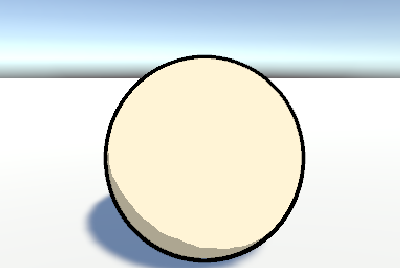
The difference between ‘Toon’ and ‘Toon (Tessellation)’
As shown above, UTS has two types: ‘Toon’ and ‘Toon (Tessellation)’.
Tessellation is a process that further breaks down polygons, so it may be more computationally intensive than Toon rendering.

The advantage seems to be that the polygon subdivision makes the shadow boundaries and borders smoother.
Tone
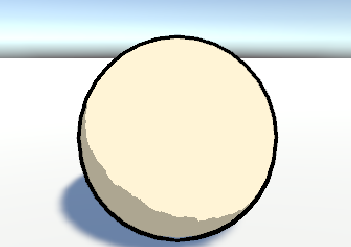
Toon(Tessellation)
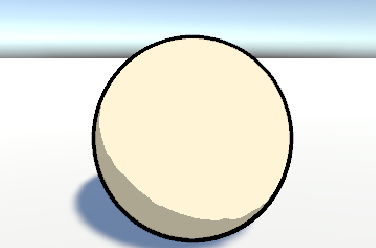
Result
I was able to perform toon rendering using Unity.
Incidentally, the reason the shadows on the floor have a gradient is because the floor material is not toon-rendered.
Websites I used as references



コメント