
Things I want to do
Let’s try using Pastel-Mix, a recommended Stable Diffusion model for creating 2D images.
I tried creating various images using the initial settings, but I couldn’t produce a good image, so I’m leaving this memo.
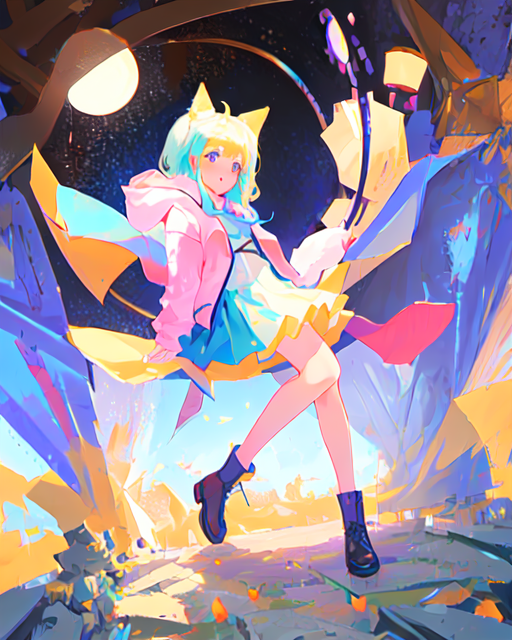
The image below was created using the settings in this article.
Download the model and VAE.
Download the model
Please download the model from the following page.

For download details, please refer to the article below.

It appears that huggingface has been removed.
Please download it from civitai.
Download VAE
Download kl-f8-anime.ckpt from the following page.
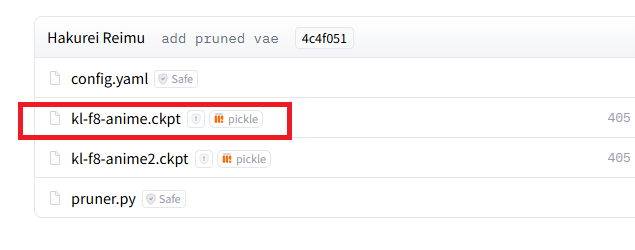
Place the downloaded kl-f8-anime.ckpt file in the webui\models\VAE folder under the StableDiffusionWebUI execution folder.
I was worried about whether it would work with DirectML since it was labeled ‘f8,’ but it worked without any problems.
setting
Basic Setting
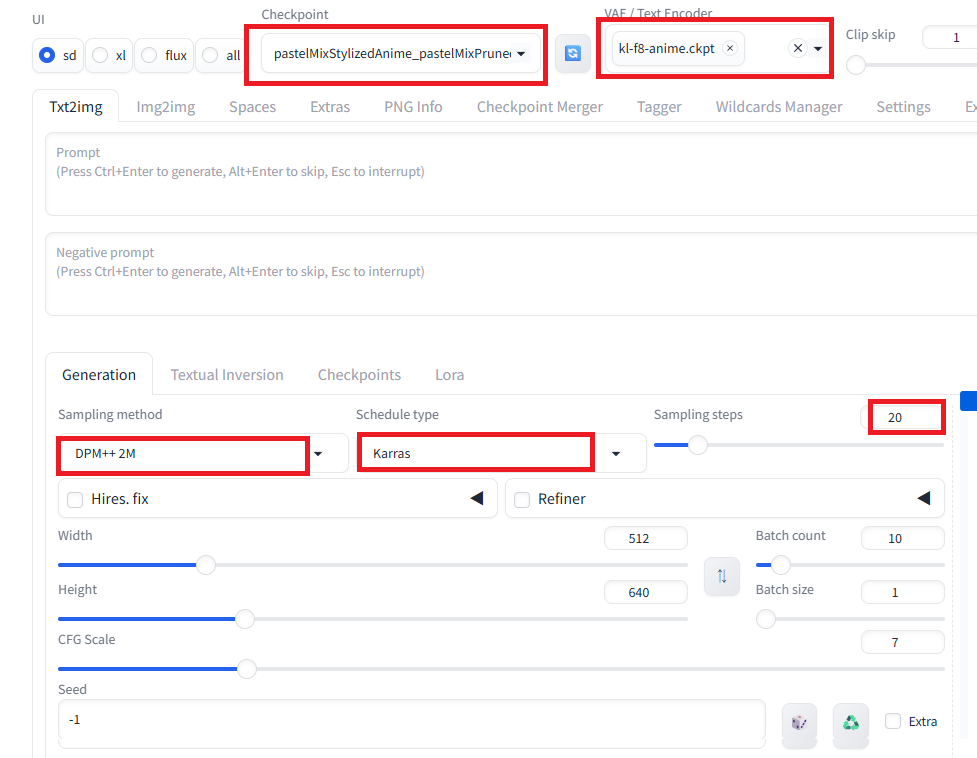
Set it as follows:
| Checkpoint | pastelMixStylizedAnime_pastelMixPrunedFP16.safetensors |
| VAE / Text Encoder | kl-f8-anime.ckpt |
| Sampling method | DPM++ 2M |
| Sampler | Schedule type |
| Sampling Steps | 20 |
| CFG Scale | 7 |
Configure the settings within the red frame. (The image below is a screenshot from Forge, so the actual screen layout may differ.)
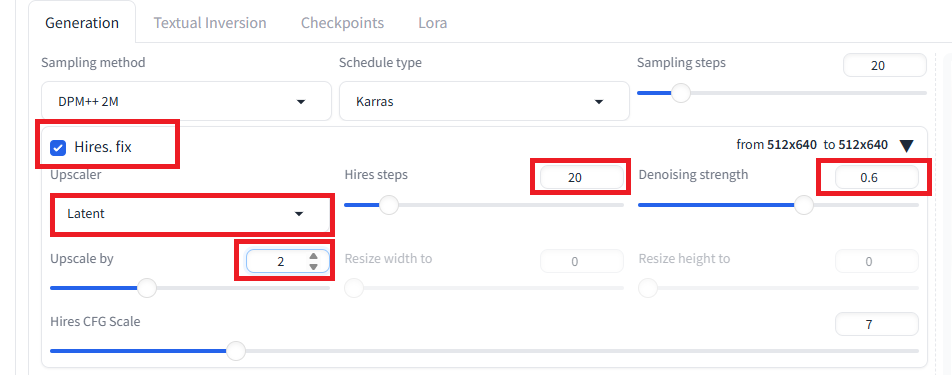
Hires. Fix (Zoom) setting
To enlarge the image, use the following settings. (It’s recommended to use Hires.Fix to enlarge the image rather than changing the Width/Height.)
| Hires. Fix | check |
| Upscaler | Latent |
| Hires Steps | 20 |
| Denoising Strength | 0.6 |
| Upscale by | Magnification |
Configure the settings within the red frame. (The image below is a screenshot from Forge, so the actual screen layout may differ.)
execution
To run the program, click the Generate button, just like with other models.
Result
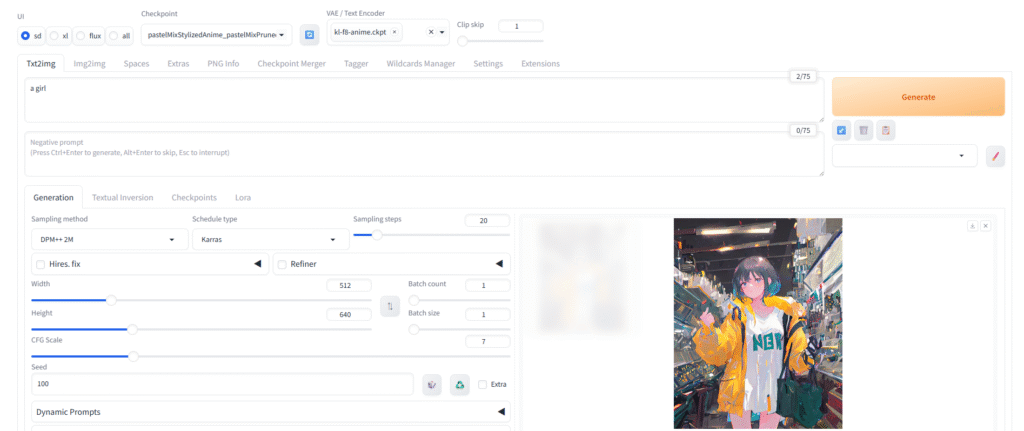
I was able to create a nice image like the one below.
The prompt is ‘a girl’ and the seed is 100. Using the same settings should create the same image.
bonus
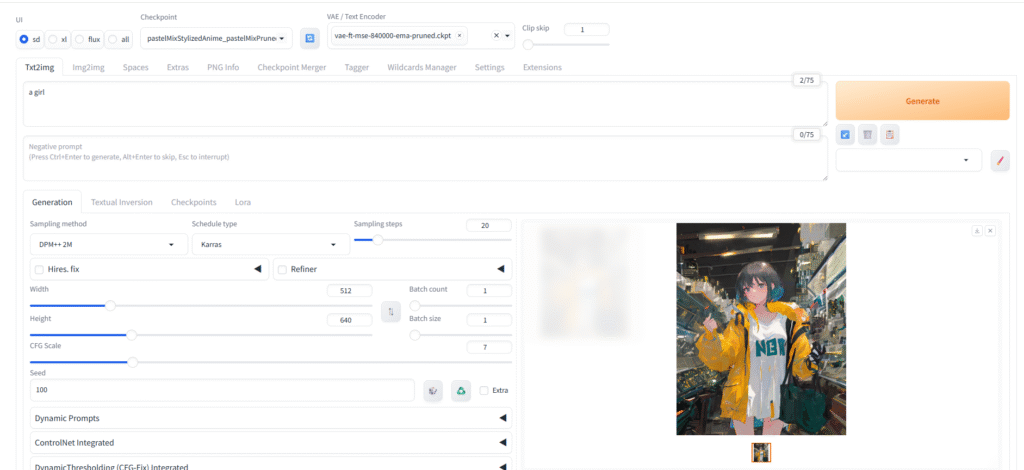
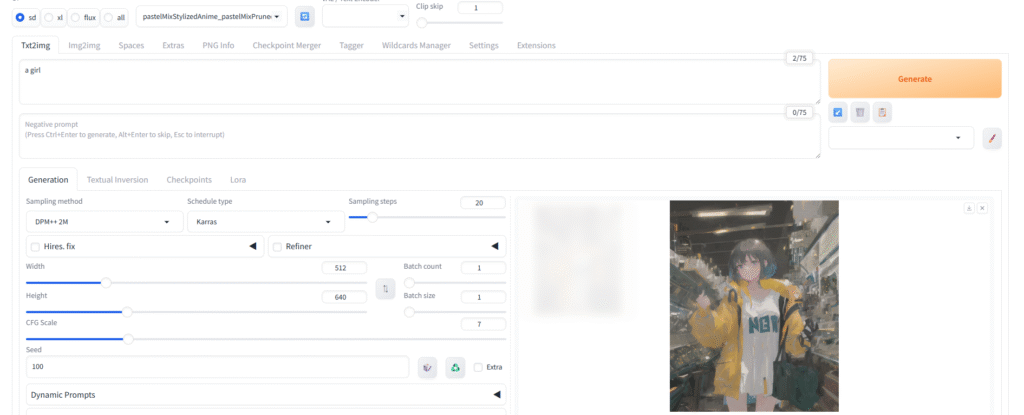
This is the output when the recommended settings are not displayed.
FEET: feet-ft-mse-840000-ema-pruned.ckpt
The image turned out a little dark.
VAE: None
The image has low contrast.
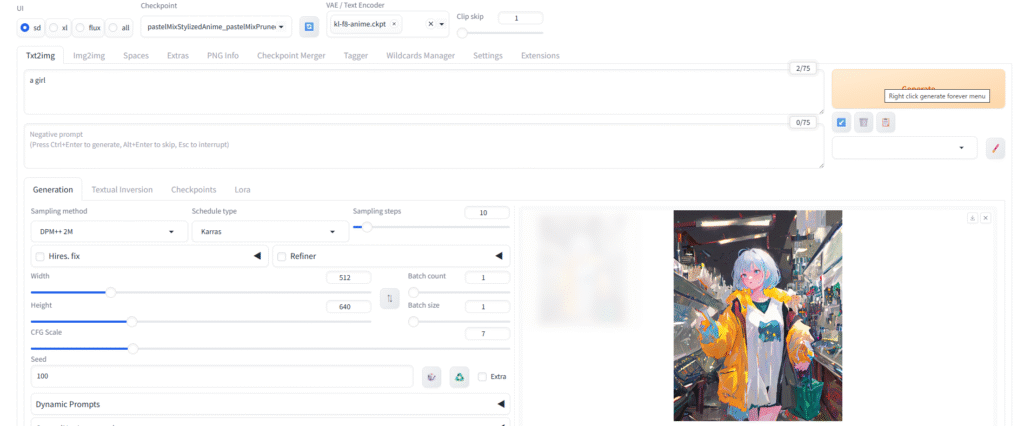
Sampling Steps:10
Surprisingly, it printed quite well, but the hands and other details aren’t drawn properly.
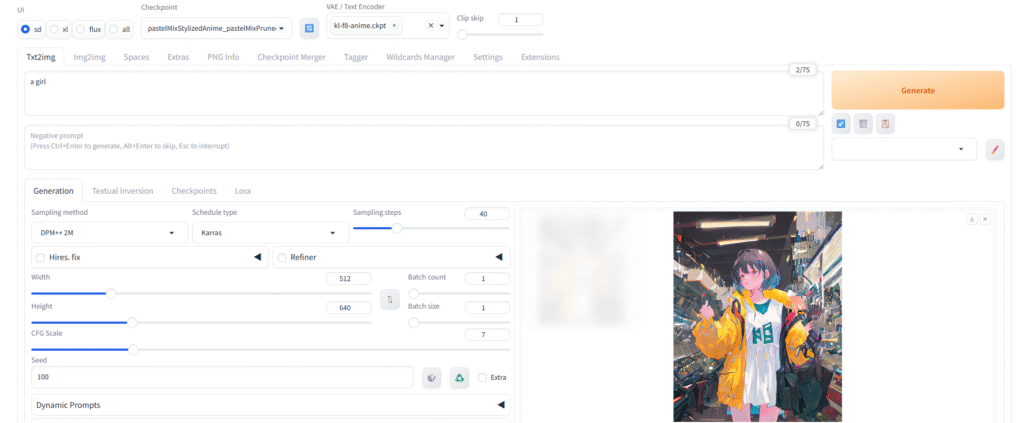
Sampling Steps:40
The illustrations are slightly different, but neither is necessarily better than the other.
Since the generation time will also increase, I feel there are few advantages.
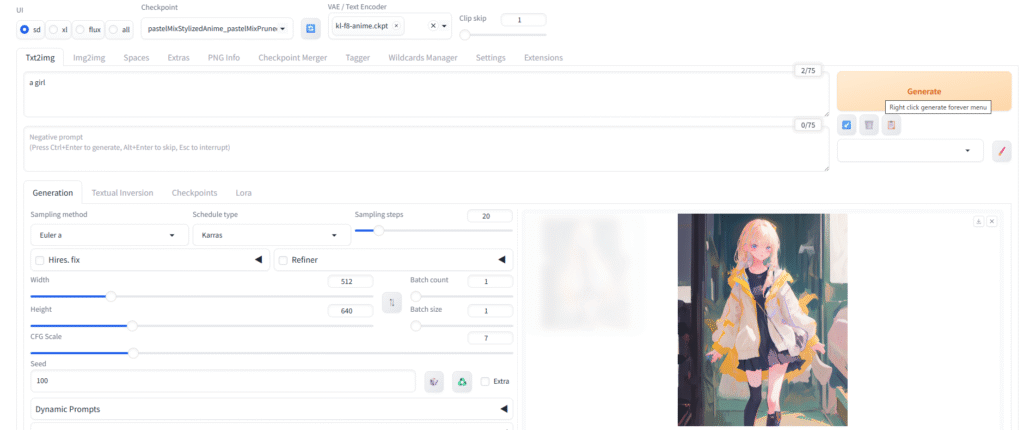
Sampling methodEuler has
I ended up with a surprisingly different picture.
They are so different that it’s unclear which is better.
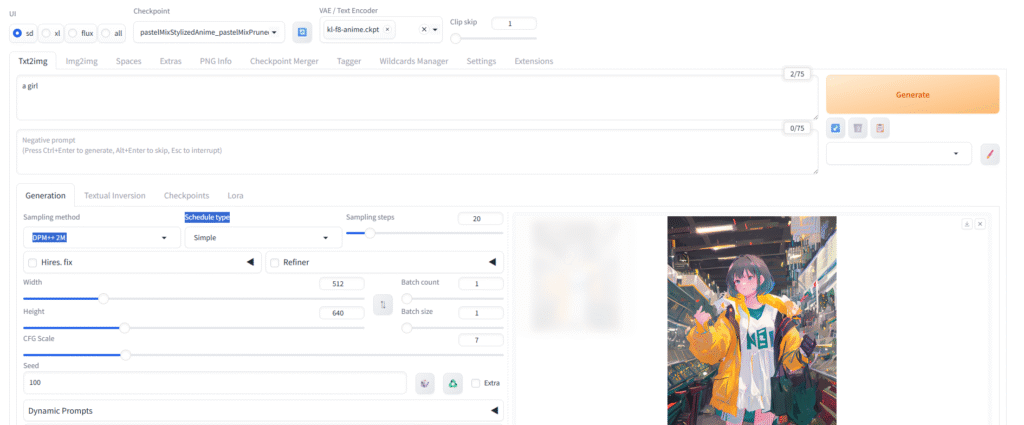
Schedule type: simple
The difference is only noticeable when comparing them side-by-side. It might be a coincidence, but in this example, the recommended value appeared to have more depth.
コメント