
Things I want to do
This is a solution for when you encounter an exit code 128 error when trying to clone a local repository using Git in a Windows environment.
The detailed error log is as follows:
git.exe clone --progress -v -- "F:\PATH" "F:\PATH"
Cloning into 'F:\PATH'...
fatal: detected dubious ownership in repository at 'F:\PATH'
'F:\PATH' is on a file system that does not record ownership
To add an exception for this directory, call:

git config --global --add safe.directory 'F:PATH'
fatal: Could not read from remote repository.

Please make sure you have the correct access rights
and the repository exists.


git did not exit cleanly (exit code 128) (828 ms @ 2024/10/20 16:26:10)
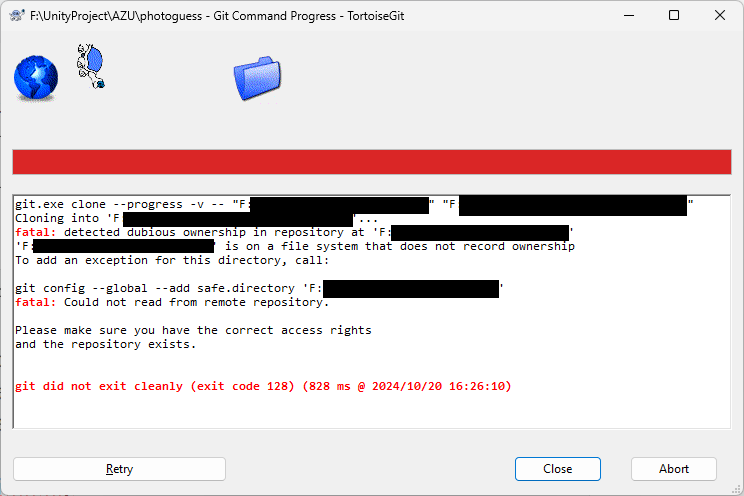
The PATH and the blacked-out areas represent either the local repository or the path you attempted to clone.
Solution
It’s basically the same as the article below.

Save the following as a .bat file in the repository folder (source side) and run it by double-clicking it.
(For more detailed information, please refer to the article above.)
set "current_dir=%~dp0"
set "m_dir=%current_dir:\=/%"
set "m_dir2=%m_dir:~0,-1%"

git config --global --add safe.directory %m_dir2%

pauseResult
I can now clone from repositories that previously failed to clone using Git.
コメント