
Things I want to do
This tool applies poses to MMD-compatible models imported into Blender.
I will proceed using Animasa’s Hatsune Miku model as an example.
See below for loading instructions.

Strike a pose
The loaded model has the following structure:
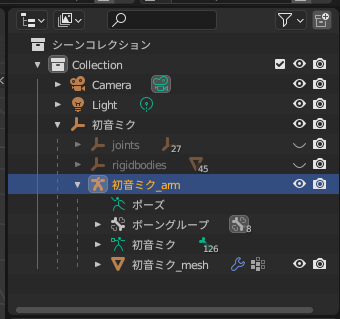
Select ‘Hatsune Miku_arn’ in the image above while in ‘Object Mode’.
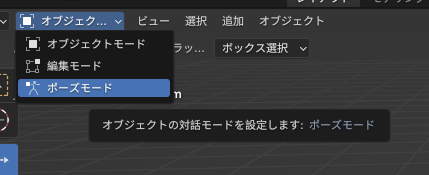
Change the mode from ‘Object Mode’ to ‘Pose Mode’ using the menu in the upper left corner of the screen.
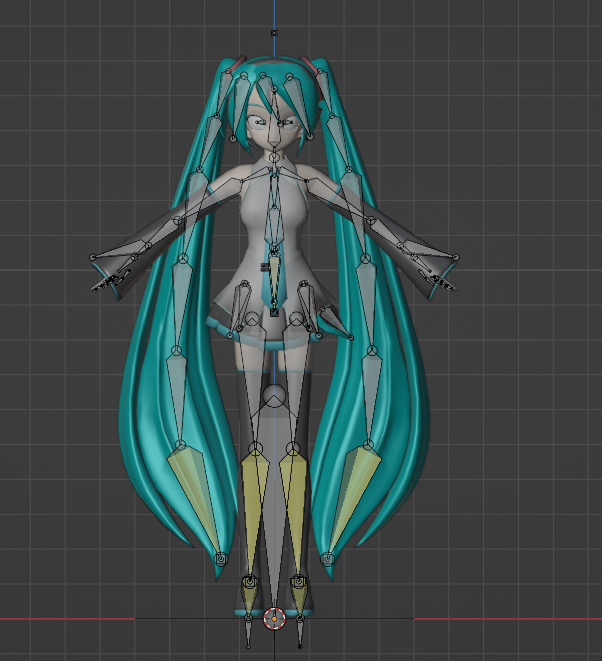
The screen will look like the one below, so manipulate each bone to change the pose.
Result
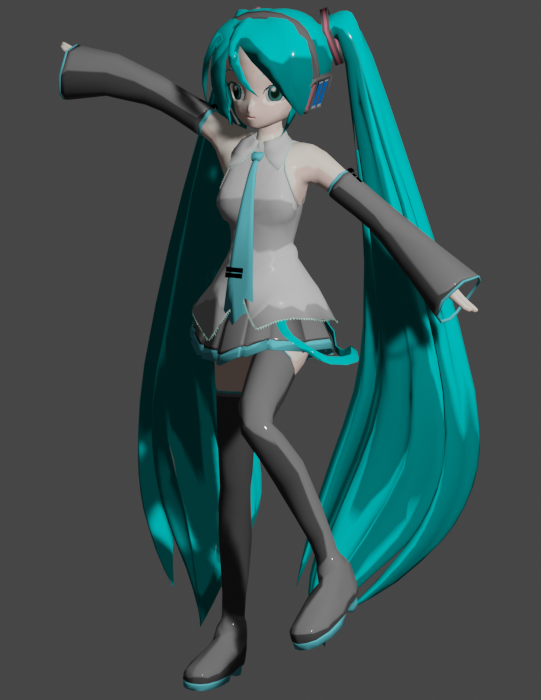
I tried striking a pose.
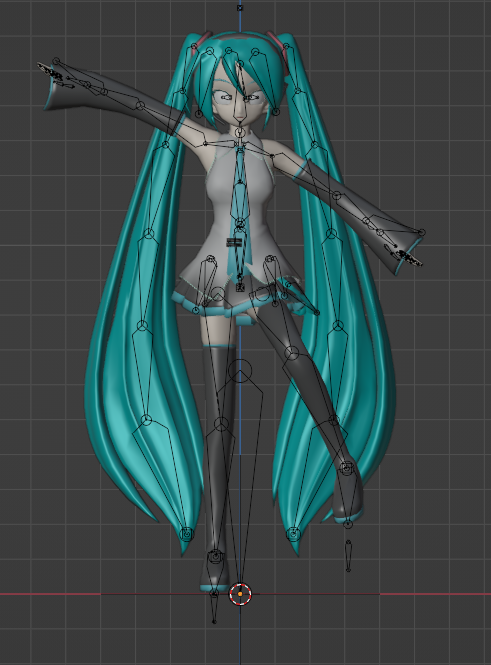
When rendered, it looks like this:
コメント