
Things I want to do
Phaser3 displays multiple scenes side-by-side.
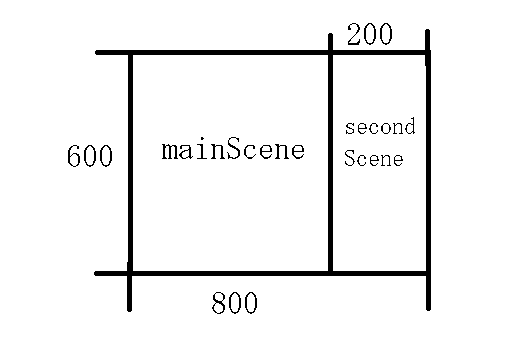
The mainScene and SecondScene will be displayed side-by-side as shown below.
The display area of the 800×600 mainScene is limited to the left side (600×600), and a 200×600 SecondScene is displayed on the right side.
implementation
Prepare
Creating mainScene
The MainScene was implemented as follows. Its size is 800×600.
The entire image is filled with a semi-transparent red rectangle. (The background is gray for clarity.)
class mainScene extends Phaser.Scene {
    create ()
    {
        this.add.rectangle(0, 0, 800, 600, 0xff0000, 0.5).setOrigin(0);
    }
}
It will be displayed as follows:

Creating secondScene
I set secondScene as follows:
This one is filled entirely with a semi-transparent green rectangle.
class secondScene extends Phaser.Scene {
    create ()
    {
        this.add.rectangle(0, 0, 200, 600, 0x00ff00, 0.5).setOrigin(0);
    }
}
Display area limitation
The mainScene’s display area is limited to 600×600 using cameras.main.setSize.
class mainScene extends Phaser.Scene {
    create ()
    {
        this.cameras.main.setSize(600,600);//追加
        this.add.rectangle(0, 0, 800, 600, 0xff0000, 0.5).setOrigin(0);
    }
}
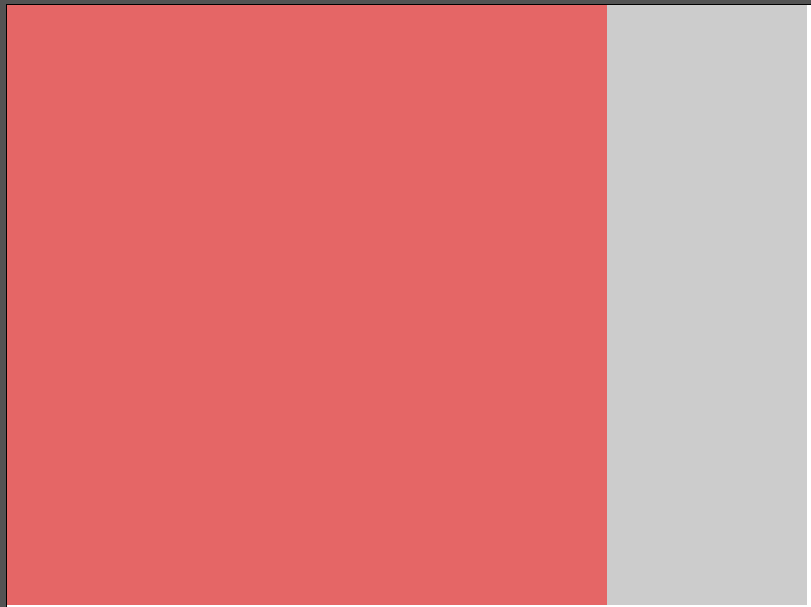
It will be displayed as follows. Although the rectangle is 800×600, you can see that only the width up to 600 is displayed.
Calling secondScene
Add secondScene from mainScene using this.scene.add.
The first argument is a name, so anything unique will do.
The second argument is the class name.
The third argument should be true. (If you set it to false, it will not be displayed.)
The last argument is the coordinate information. Here, we are passing the coordinates of the top-left corner.
class mainScene extends Phaser.Scene {
    create ()
    {
        this.cameras.main.setSize(600,600);
        this.add.rectangle(0, 0, 800, 600, 0xff0000, 0.5).setOrigin(0);
        this.scene.add('second', secondScene, true, { x: 600, y: 0 });//追加
    }
}
secondScene settings
Set the display area in secondScene.
The `data` variable receives the object that was the last argument of `this.scene.add` called in `mainScene`.
`this.cameras.main.setSize` specifies the size of the display area, and `this.cameras.main.setPosition` specifies the display area of the scene. (Top left dot)
I skipped it here, but I think it would look better if we also got the width and height from mainScene.
class secondScene extends Phaser.Scene {
    create (data)//引数追加
    {
        this.cameras.main.setSize(200,600);//追加
        this.cameras.main.setPosition(data.x,data.y)//追加
        this.add.rectangle(0, 0, 200, 600, 0x00ff00, 0.5).setOrigin(0);
    }
}
Result
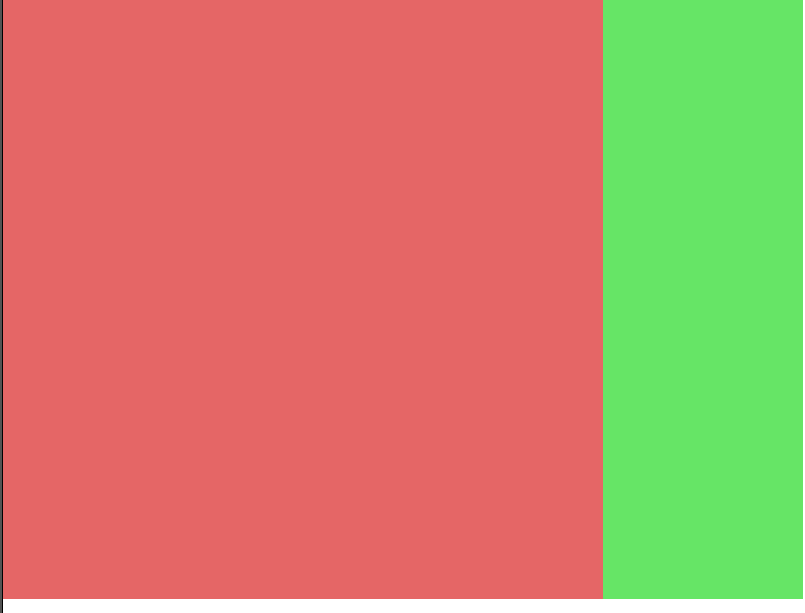
I was able to display the mainScene (red) and secondScene (green) side by side, just like in a blueprint.

コメント