
Things I want to do
How to fix the error that occurs when trying to add a custom extension to Chrome or Edge, preventing the extension from being added.
The content script file ‘XXXX.js’ could not be loaded because it is not encoded in UTF-8.The manifesto could not be loaded.
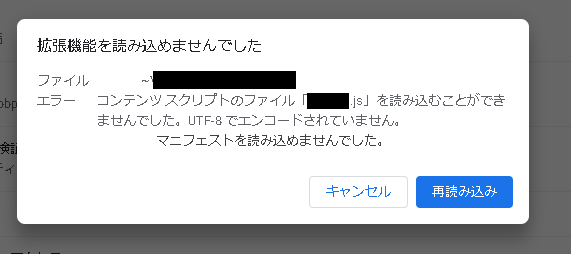
XXXX.js is the filename used by the extension.
reason
As indicated by the message ‘Not encoded in UTF-8,’ the characters in the script file may not be encoded in UTF-8. Particular caution is needed when handling Japanese characters.
The message ‘Could not load manifest’ can appear even if the problem lies solely with the script. I recommend trying to fix the script first.
countermeasure
The solution is to save the file using UTF-8 character encoding.
Here’s how to do it using Notepad.
Change the character encoding in Notepad
The following script is used as an example.

Open the target file in Notepad.
Select ‘Save As’ from the File menu.
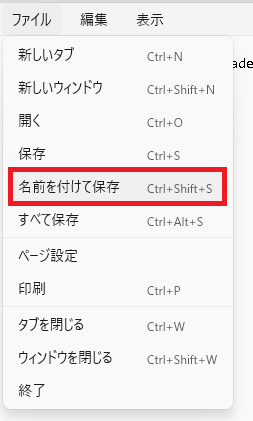
Select ‘UTF-8’ from the encoding menu in the dialog box that appears.
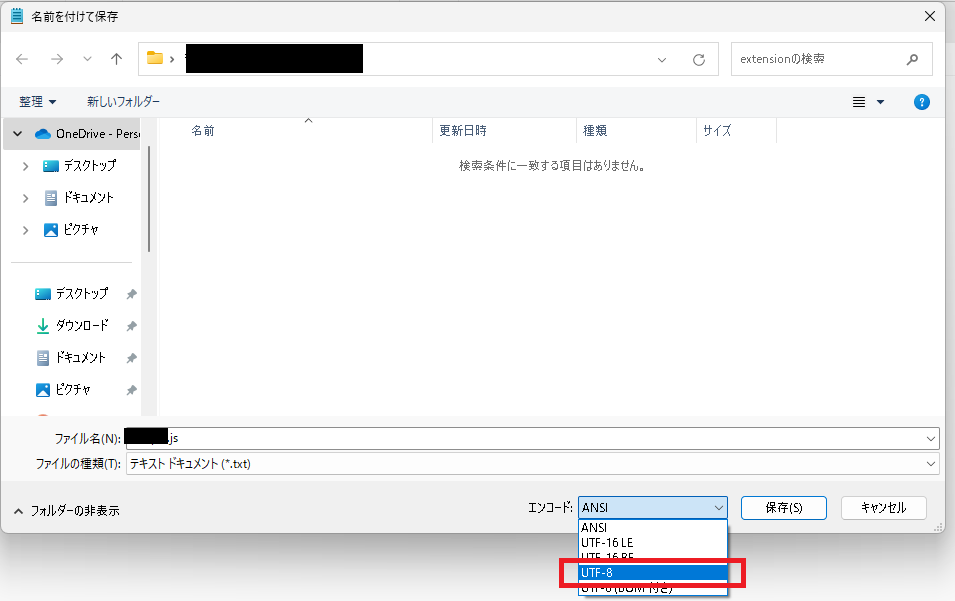
Clicking the ‘UTF-8’ save button will change the encoding.
Result
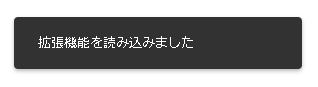
I was able to successfully register it in my browser.
If you register it in Chrome, the following message will be displayed in the lower left corner of the screen.
コメント