
Things I want to do
This is a memo on how to fix the issue where an error occurs and the application fails to launch when you open the HTML file after building it with WebGL in Unity.
Errors and Solutions
Failed to download file
error
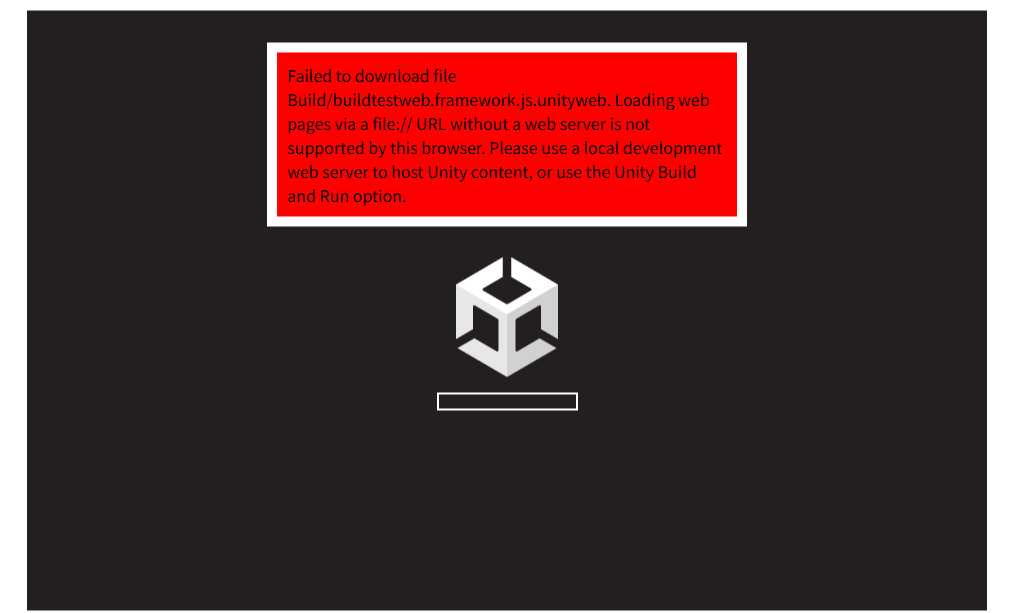
Failed to download file Build/buildtestweb.framework.js.unityweb. Loading web pages via a file:// URL without a web server is not supported by this browser. Please use a local development web server to host Unity content, or use the Unity Build and Run option.or
Failed to download file Build/buildtestweb.framework.js.br. Loading web pages via a file:// URL without a web server is not supported by this browser. Please use a local development web server to host Unity content, or use the Unity Build and Run option.countermeasure
This error occurs when you directly open the created index.html file.
You can either set up a local server using the following methods, or upload it to an actual server.

Unable to parse
error
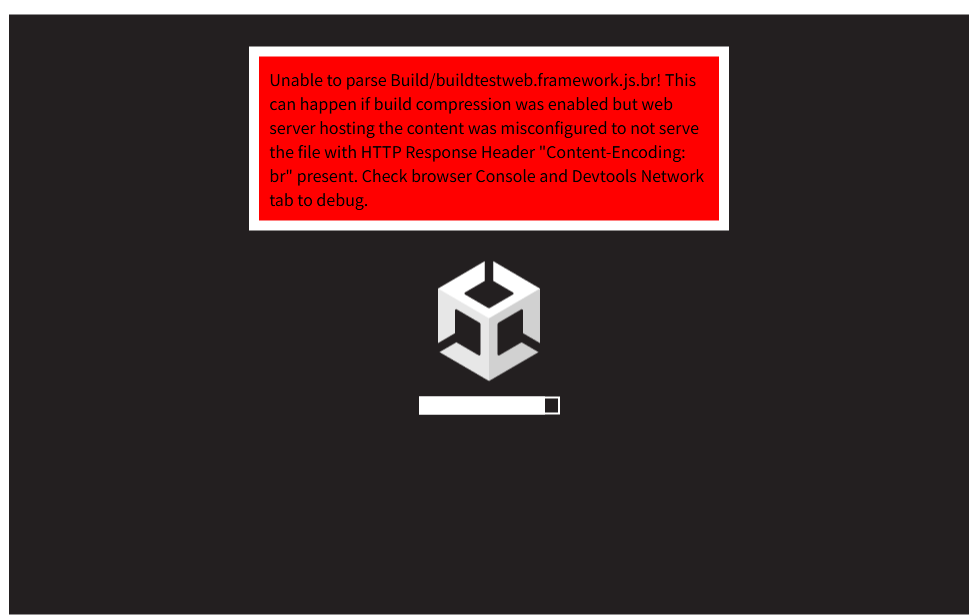
Unable to parse Build/buildtestweb.framework.js.br! This can happen if build compression was enabled but web server hosting the content was misconfigured to not serve the file with HTTP Response Header "Content-Encoding: br" present. Check browser Console and Devtools Network tab to debug.countermeasure
Click Edit menu → Project Settings… to open the settings.
Select the Player section from the left and open the Publishing Settings.
Check the box for Decompression Fallback.
Close the settings and build again.
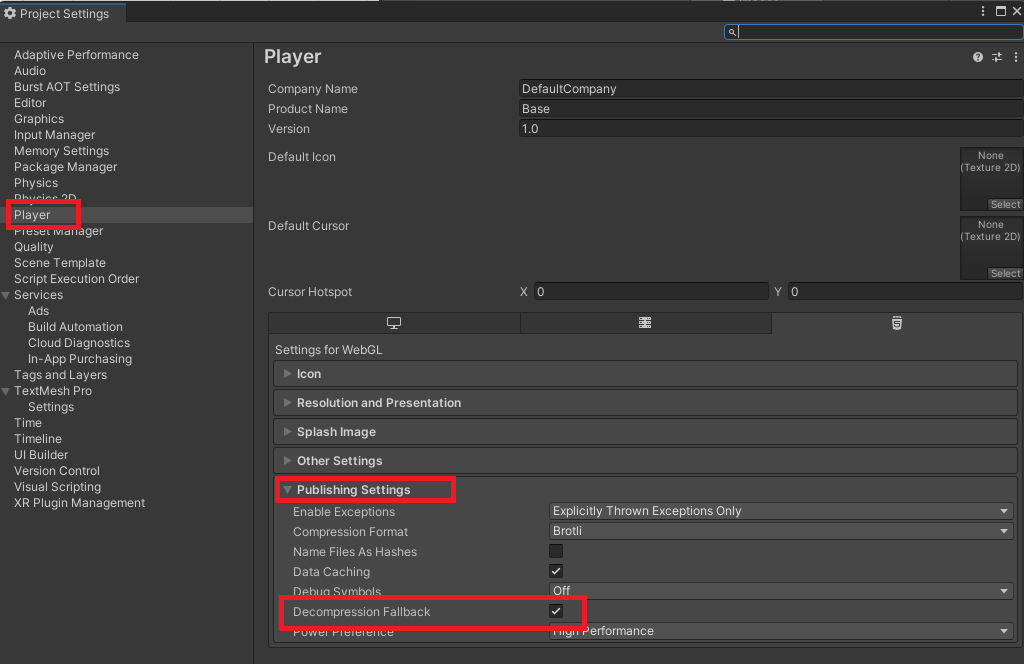
Checking this box changes the file extension from .br to .unityweb. (It seems only the extension changes; the content remains the same. However, it may or may not be readable. Based on the error message, this might also be fixable through server settings.)
Unable to parse (2)
error
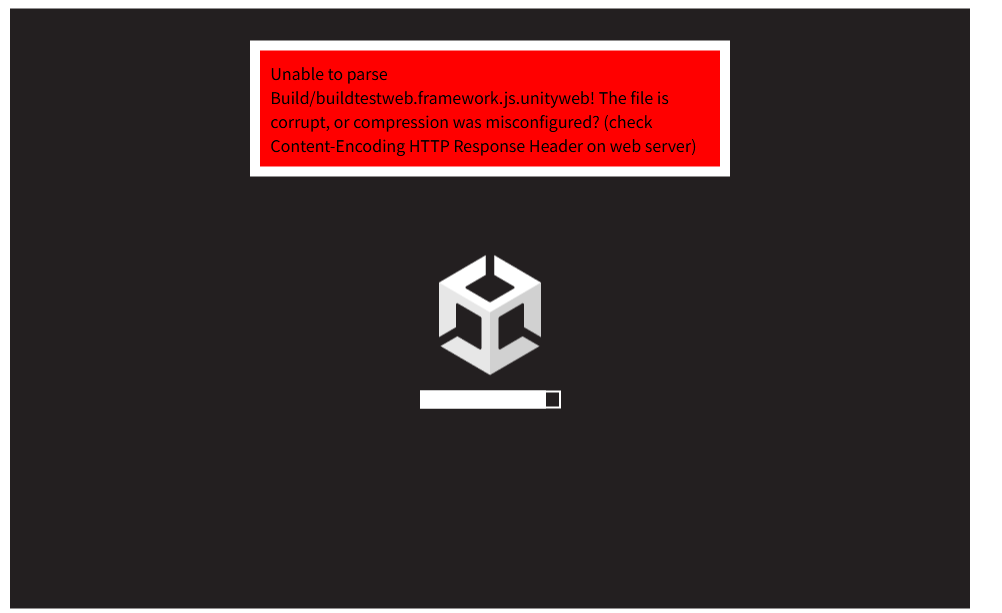
Unable to parse Build/buildtestweb.framework.js.unityweb! The file is corrupt, or compression was misconfigured? (check Content-Encoding HTTP Response Header on web server)countermeasure
The file may be corrupted. Please check it.
For example, .unityweb files need to be uploaded as binary files, but uploading them as ASCII files will result in the above error.
コメント