
Things I want to do
In the post below, I showed how to run Stable Diffusion Forge on a CPU, but I really wanted to run AUTOMATIC1111 as well to verify its operation.

This section explains how to run AUTOMATIC1111 on a CPU. (Using Forge is generally recommended.)
Environment setup
Installing Python
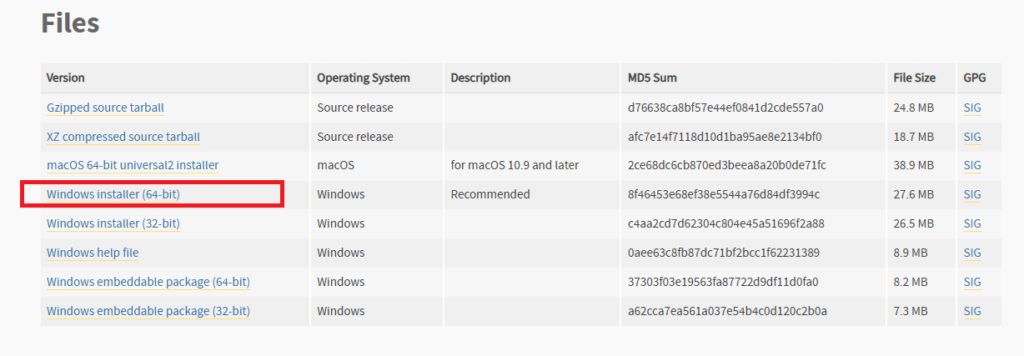
Download and install Python 3.10.6 from the following page.

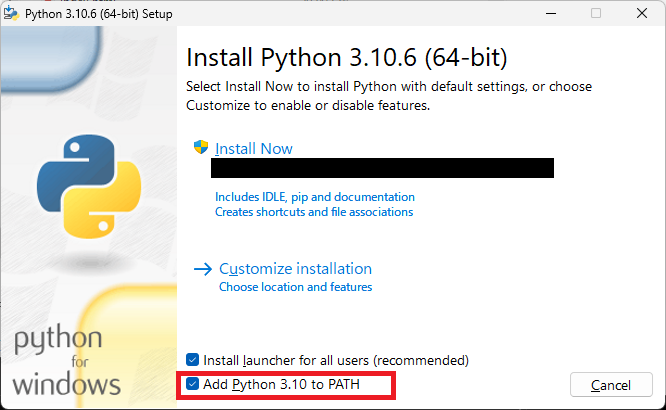
During installation, make sure to check the box for ‘Add Python 3.10 to PATH’.
Installation Verification
Open Command Prompt and execute the following command.
python3 –versionIf it runs correctly, it’s a success. (In my environment, it displayed ‘Python.’)
Installing Git
Download and install Git from the following page.

Installation Verification
Open Command Prompt and execute the following command.
gitIf executed correctly, it will be successful. (Help will be displayed.)
Installing Stable Diffusion AUTOMATIC1111
Download your preferred version of the source code from the following page.
(You could use Clone, but this is easier.)
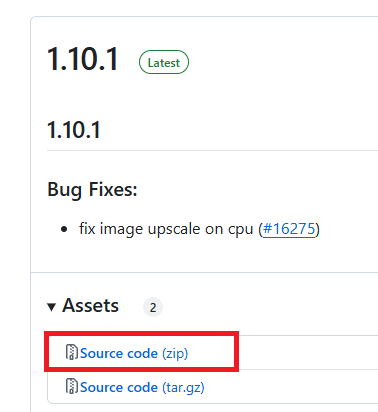
Extract the downloaded file to a folder of your choice.
Modify webui-user.bat
Open the webui-user.bat file in the unzipped folder and modify it as follows:
Before revision:
set COMMANDLINE_ARGS=After correction:
set COMMANDLINE_ARGS= --skip-torch-cuda-test --upcast-sampling --no-half-vae --use-cpu interrogate --precision full --no-halfExecute webui-user.bat
After making the corrections, run webui-user.bat.
ModuleNotFoundError: No module named pytorch_lightning
The following error may appear and the process may terminate.
ModuleNotFoundError: No module named 'pytorch_lightning'Start the command promptroot\venv\Scripts\activate.batExecute the following:
Execute the following command:
pip install pytorch_lightningOnce the process is complete, run webui-user.bat again.
git config –global –add safe.directory
You may encounter an error message like ‘Call: git config –global –add safe.directory XXXXXX’ and the process may terminate. (XXXXXX is the folder name)
Open a command prompt and execute ‘git config –global –add safe.directory XXXXXX’.
Once the process is complete, run webui-user.bat again.
This error may appear multiple times (it should appear in a different folder). Execute the displayed command each time until the error disappears.
Result
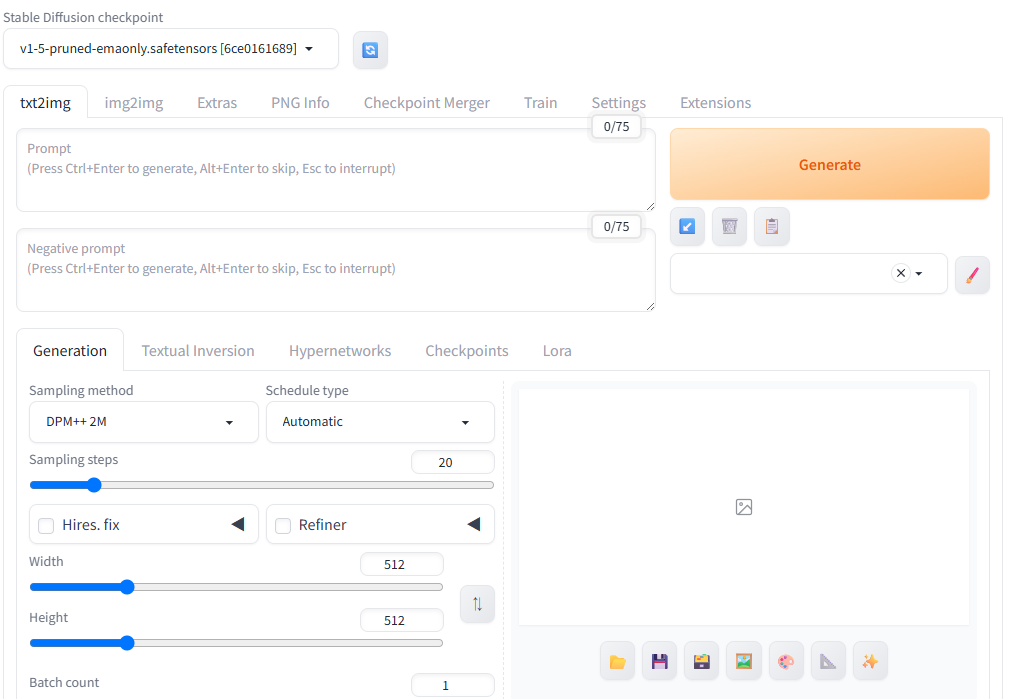
It started up successfully.
troubleshooting
RuntimeError: Found no NVIDIA driver on your system. Please check that you have an NVIDIA GPU and installed a driver from http://www.nvidia.com/Download/index.aspx
If the following error appears and the image generation fails, the value of COMMANDLINE_ARGS in webui-user.bat may be incorrect.
RuntimeError: Found no NVIDIA driver on your system. Please check that you have an NVIDIA GPU and installed a driver from http://www.nvidia.com/Download/index.aspx
Please check if the settings are as follows (mainly –use-cpu interrogate).
set COMMANDLINE_ARGS= --skip-torch-cuda-test --upcast-sampling --no-half-vae --use-cpu interrogate --precision full --no-half
コメント