
Things I want to do
Adjust the camera position/rotation while viewing the 3D image.
See the page below for rendering area (≒enlargement).

Environment
Blender:3.4.1
Adjustments based on camera view and object properties
Change camera perspective
You can change the camera view by pressing the 0 key on the numeric keypad.
When you press the 0 key
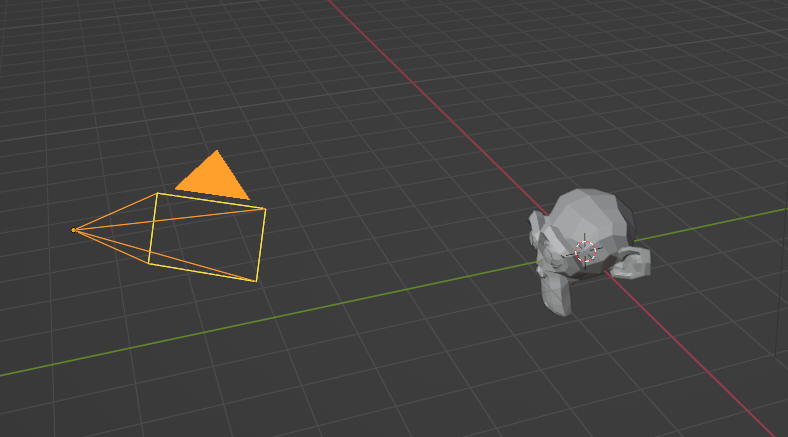
The above display
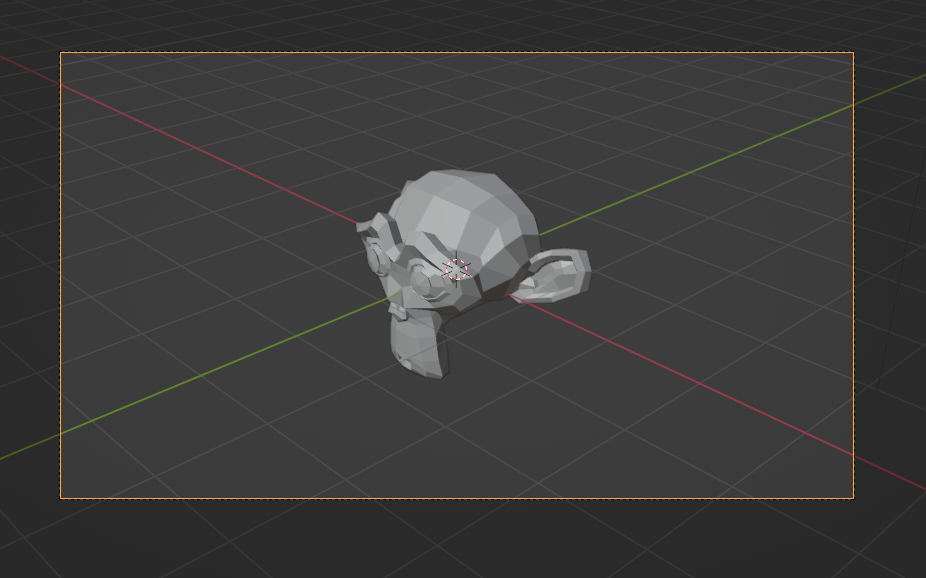
It will be displayed as shown here.
The area within the orange frame is the rendering area.
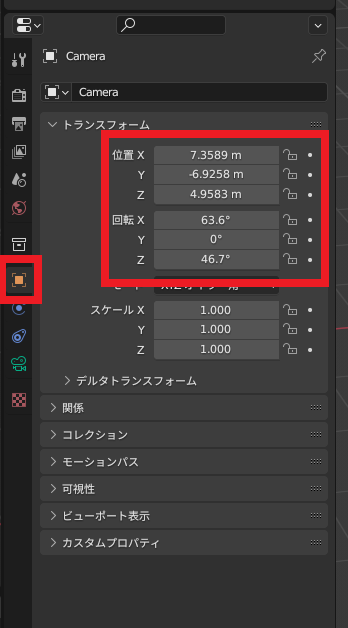
Result
The above operations allow you to rotate/move the camera while checking the rendering area.
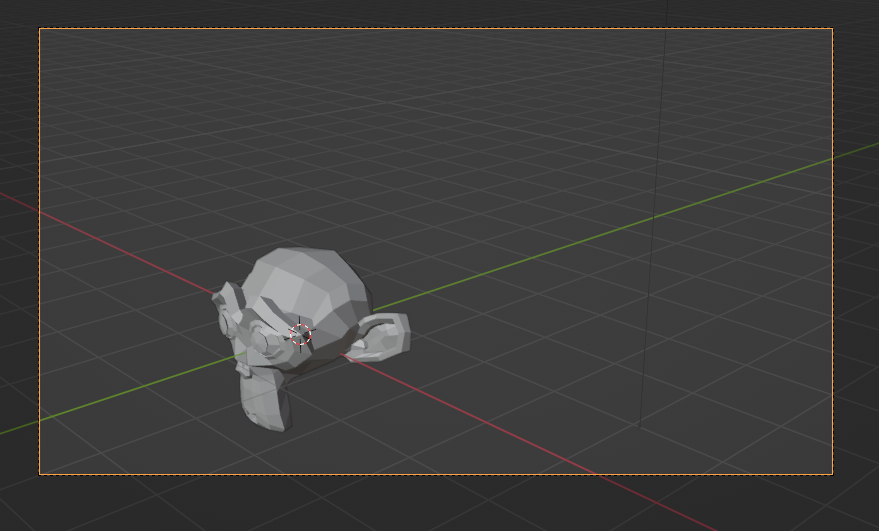
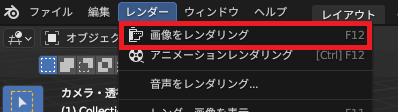
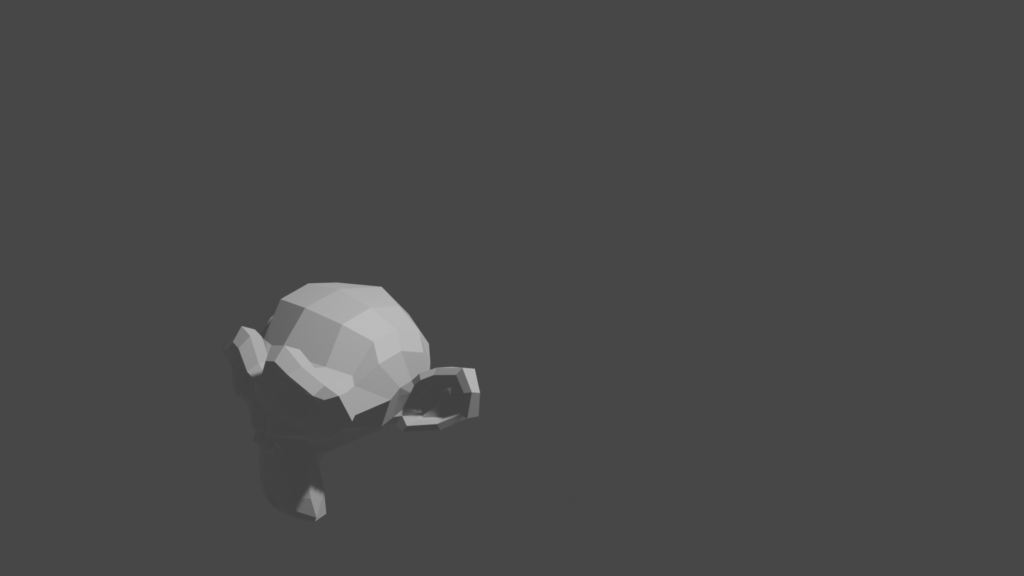
When you select ‘Render Image’ from the ‘Render’ menu, the area within the orange frame will be rendered.
コメント